Hold a payment from a deposit
If you’ve received a payment you can’t deposit yet, you can still enter it in Nexsyis and hold it from the deposit. It stays available until you release it.
Hold a payment
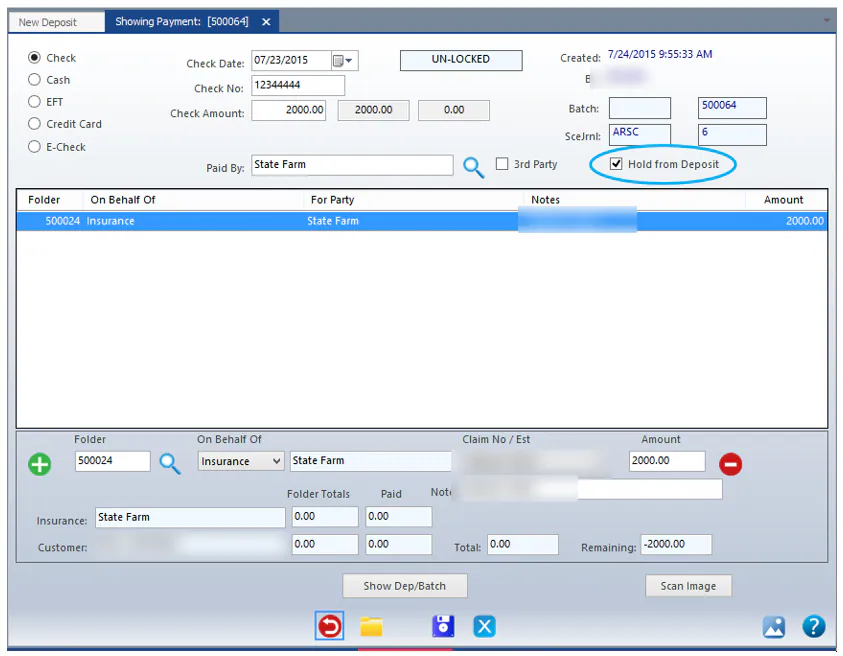
Section titled “Hold a payment”When you enter the payment, select the Hold from Deposit checkbox at the top of the payment screen, then save the payment.
On the Make a Deposit screen, the payment shows in gray under Available For Deposit, and isn’t added to the deposit.

Release a hold
Section titled “Release a hold”Do one of the following:
-
On the Make a Deposit screen, open the payment and clear Hold from Deposit. See Add a held payment to the deposit.
-
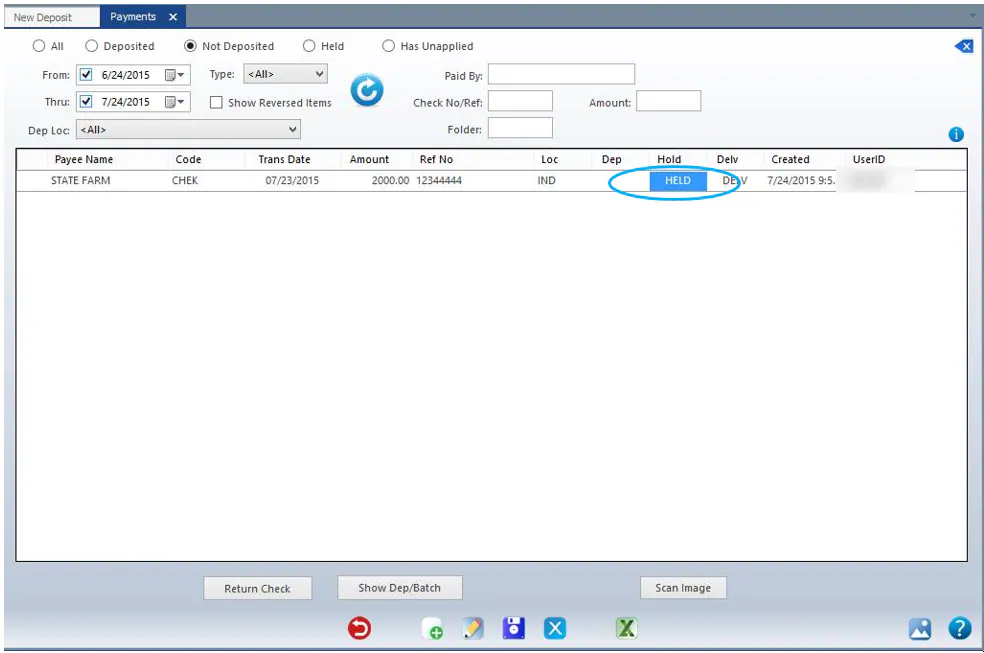
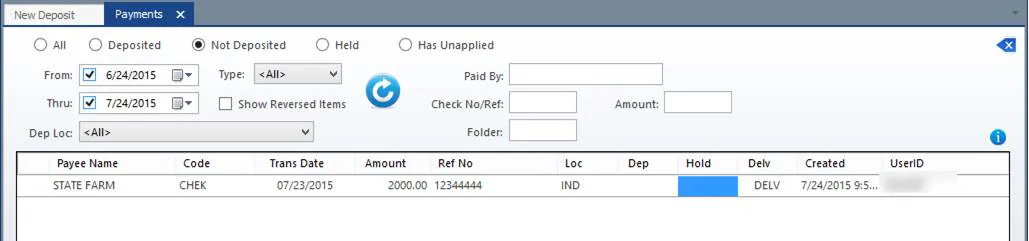
On the Payments screen, double-click the payment’s Hold column to remove HELD.