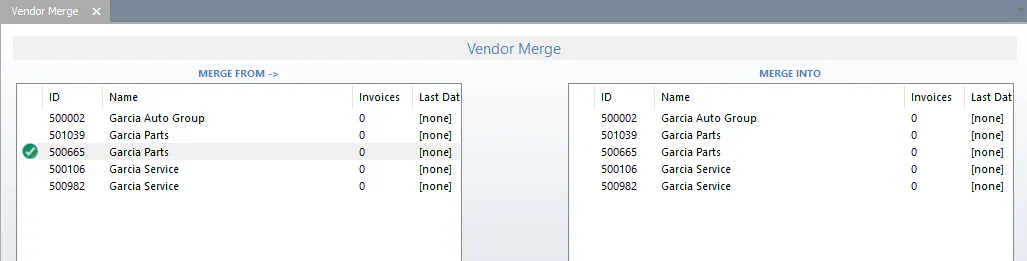
Merge duplicate vendors
Combine a duplicate vendor into the vendor record you want to keep.
-
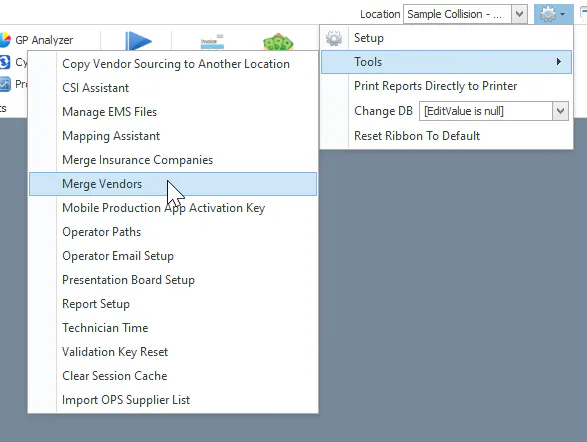
Open Settings › Tools › Merge Vendors.
-
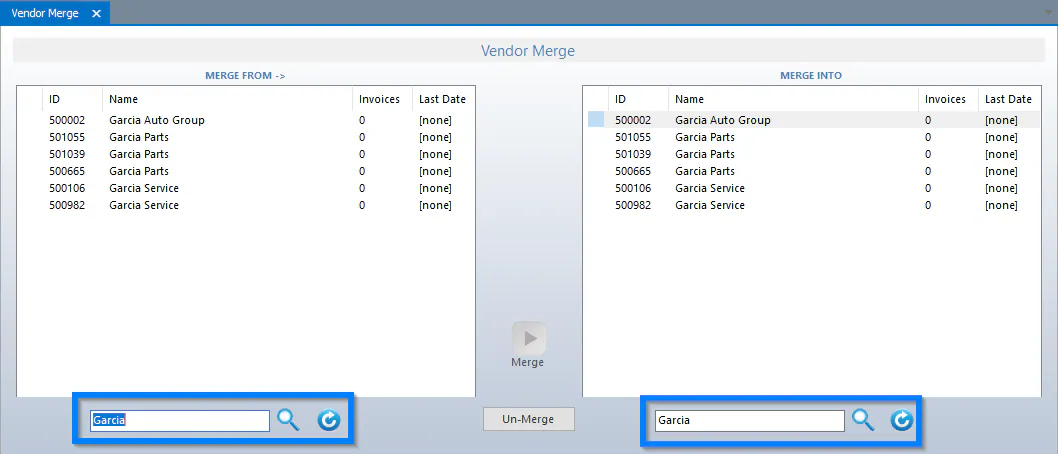
Select the Refresh buttons at the bottom, or search, to list the vendors.
-
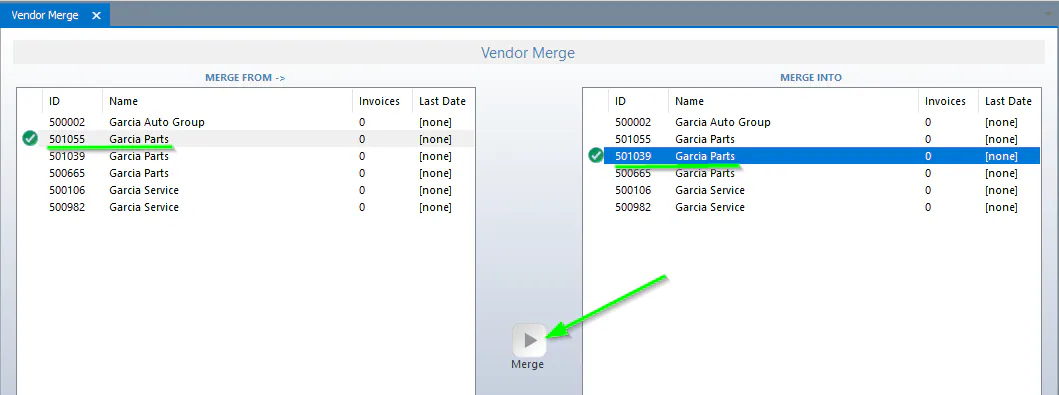
Select the vendor to merge on the left, and the vendor to keep on the right.
-
Select Merge.
-
Select Yes to confirm.

The vendor you selected on the left is removed from the vendor list.