Set up email with Gmail
Before you can email from Nexsyis, set up your operator email profile. With the Google Mail Services service type, Nexsyis sends email through your Gmail account after you give it permission.
Set up your email profile
Section titled “Set up your email profile”-
Sign in to Nexsyis with your user ID and password.
-
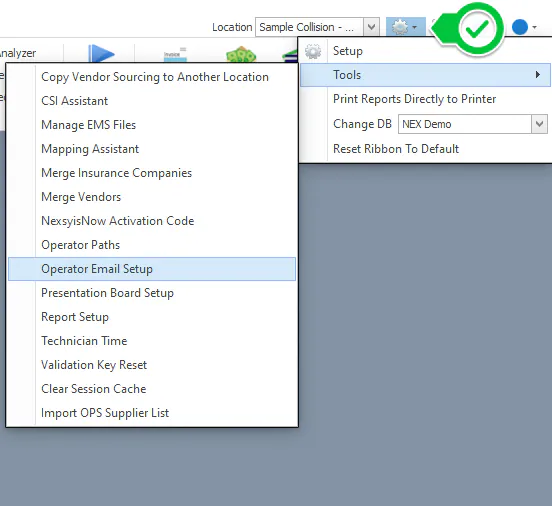
Select the settings (gear) icon, then Tools › Operator Email Setup.
-
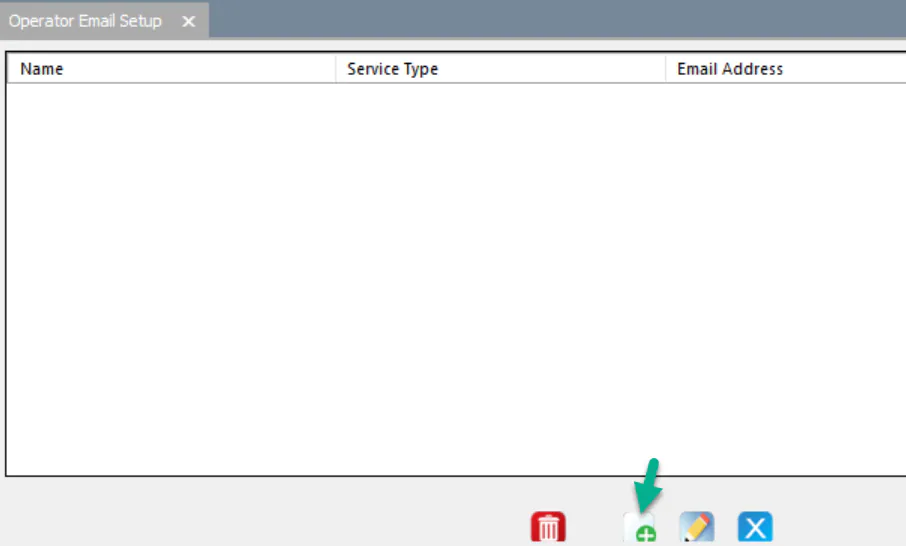
Select New.
-
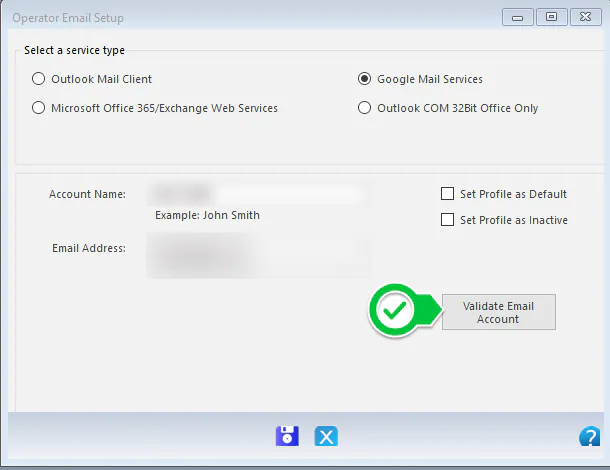
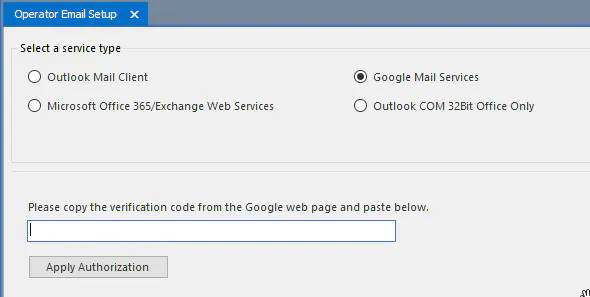
Under Select a service type, select Google Mail Services.
-
Enter your email information:
- Account Name: your name.
- Email Address: your Gmail address.
-
Select Validate Email Account.
-
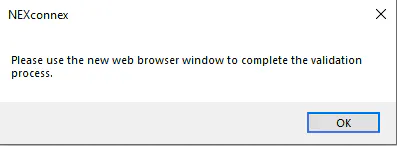
A message asks you to use the new browser window to finish validating. Select OK.
-
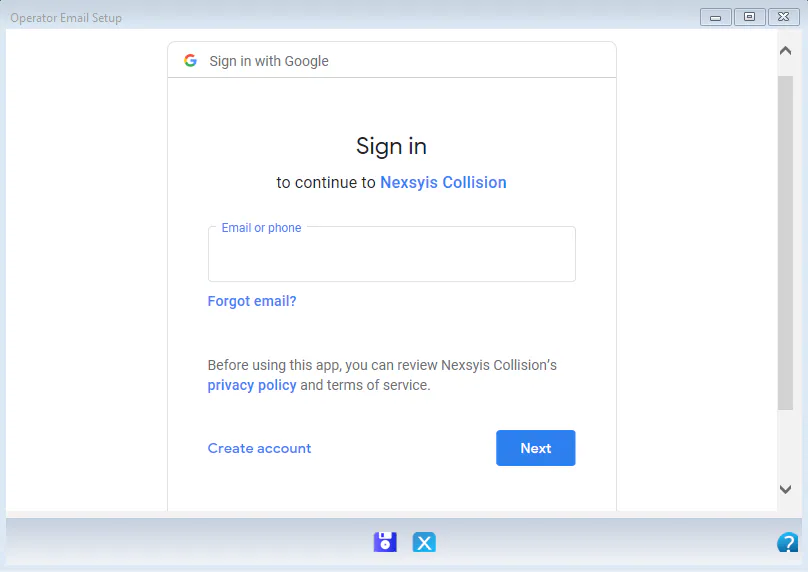
In the browser window, enter your Gmail address and password.
-
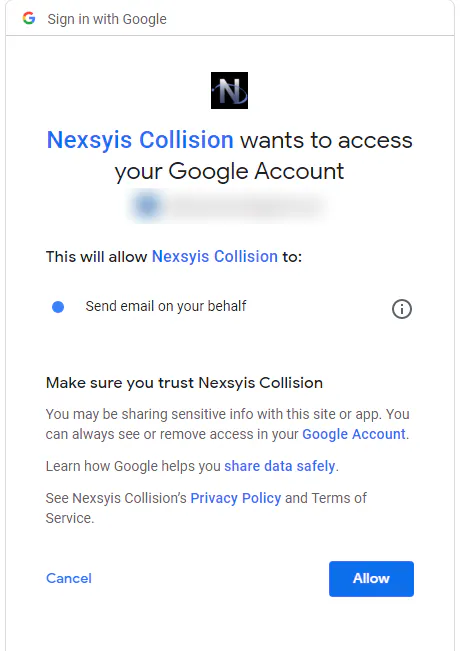
Select Allow to let Nexsyis Collision send email on your behalf.
-
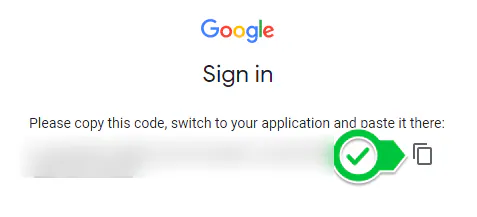
Google shows a code. Select the copy button next to it.
-
In Nexsyis, paste the code into the box, then select Apply Authorization.
Remove Nexsyis from your Gmail account
Section titled “Remove Nexsyis from your Gmail account”To stop Nexsyis from sending email through your Gmail account:
-
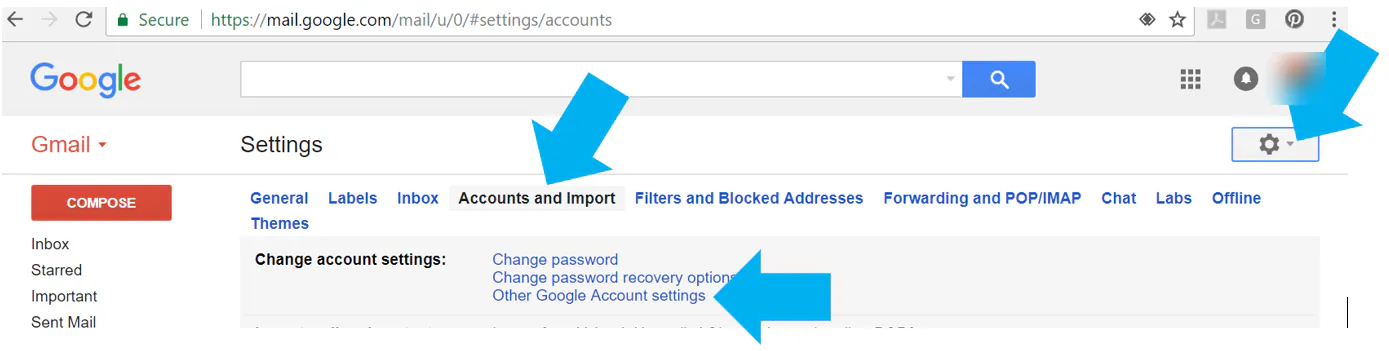
Sign in to Gmail and select the settings icon in the upper-right corner.
-
Select Accounts and Import.
-
Select Other Google Account settings.
-
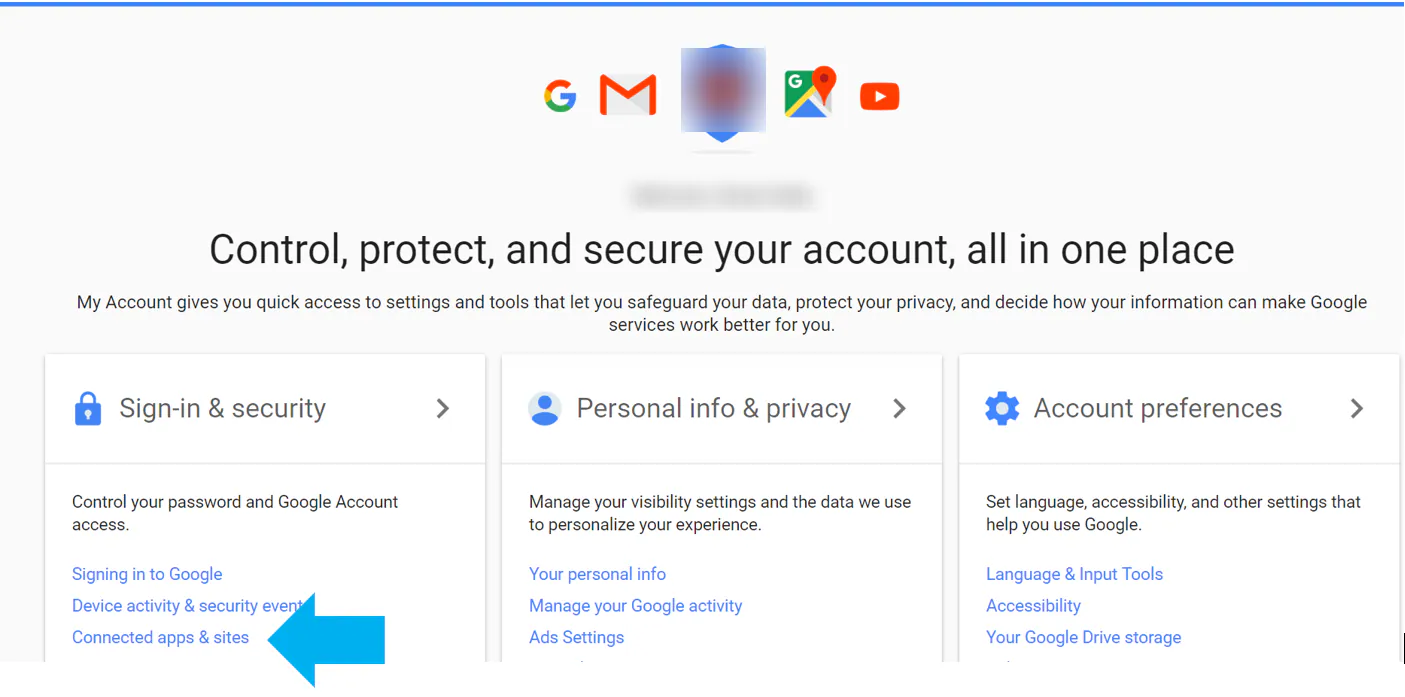
Select Connected apps & sites.
-
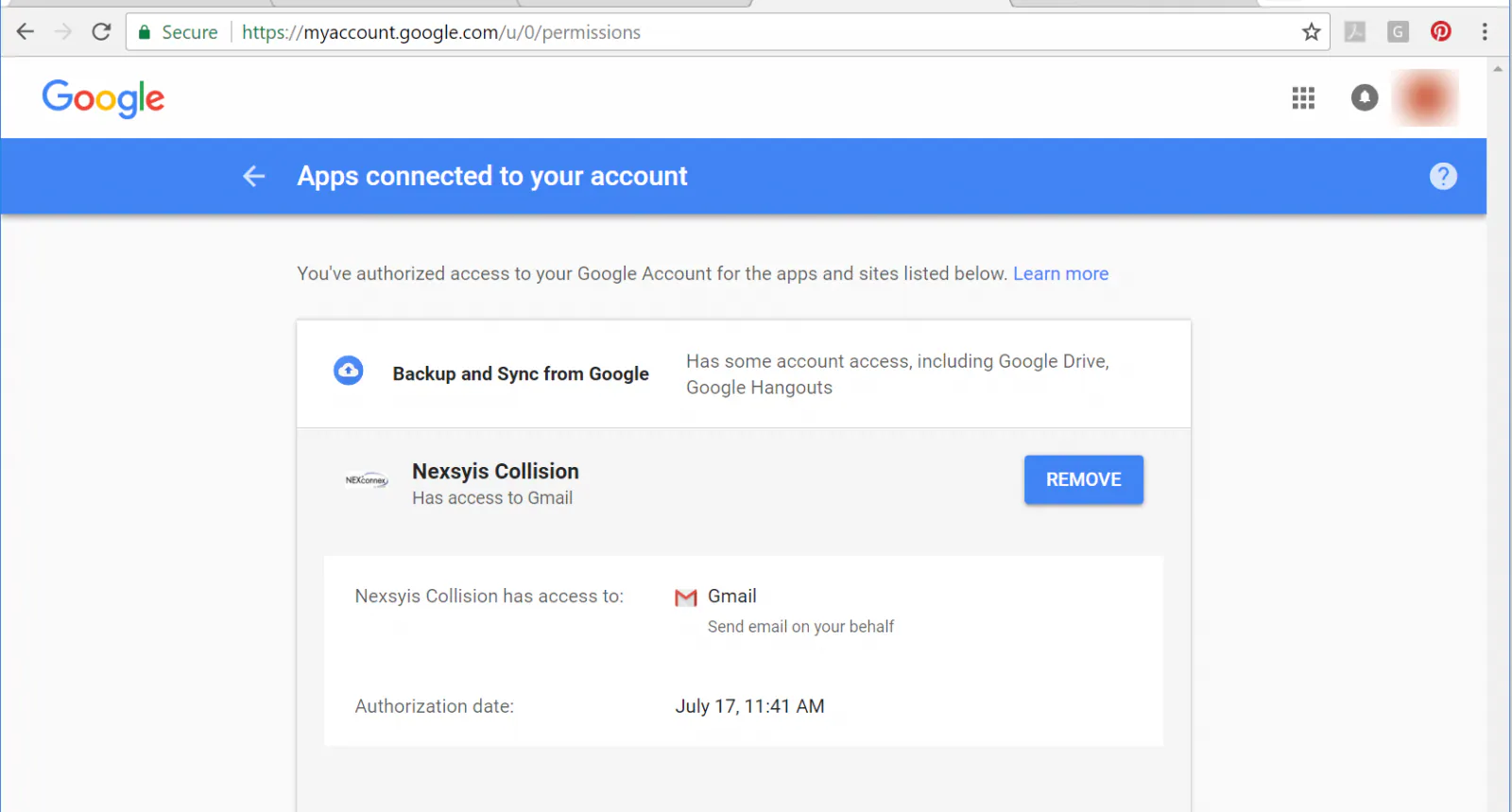
Select Nexsyis Collision, then select Remove.