Set up holidays
Add the days your shop is closed. Nexsyis uses holidays to count working days for scheduling, cycle time, the target date calculator, projected sales and other reports.
Before you begin
Section titled “Before you begin”You need permission to change company setup.
Add a holiday
Section titled “Add a holiday”-
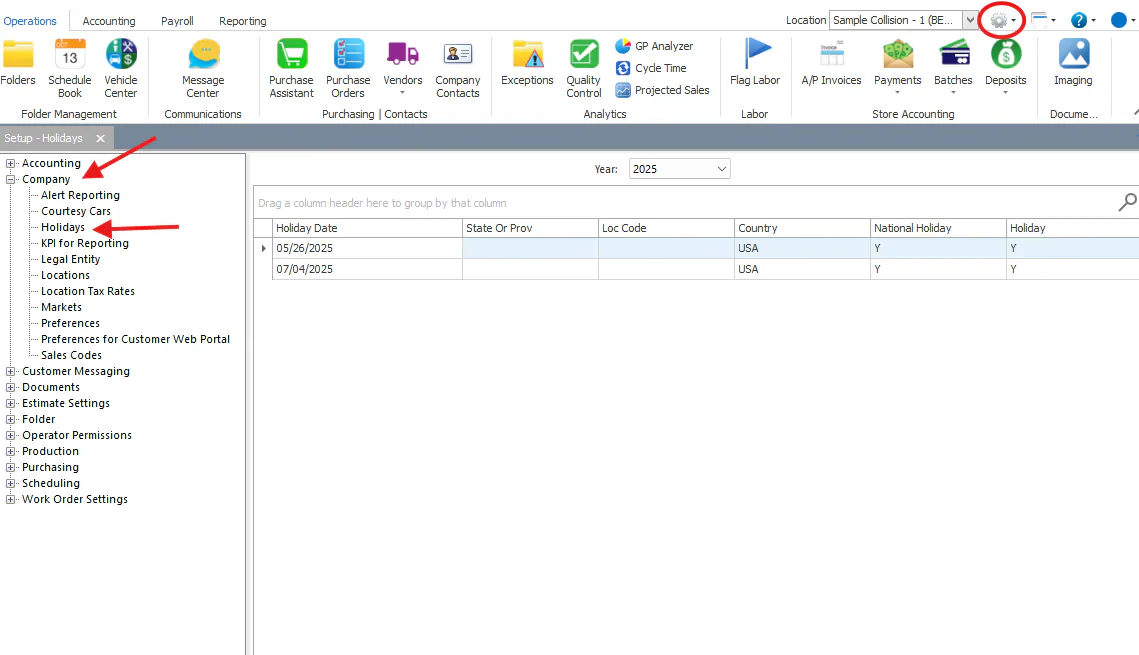
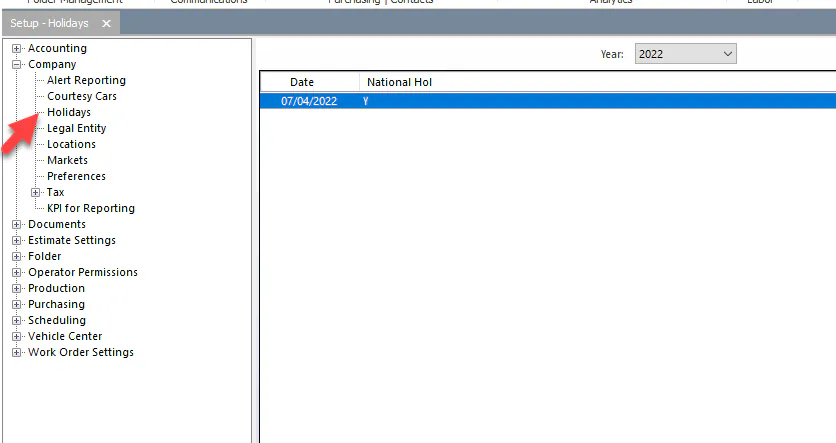
Open Setup › Company › Holidays.
-
Select the new-record button at the bottom of the screen.
-
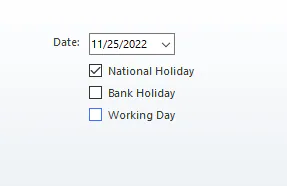
Enter the Date.
-
Select National Holiday.
-
Select Bank Holiday if banks are closed that day, for example Thanksgiving.
-
Select Save.
How holidays affect working days
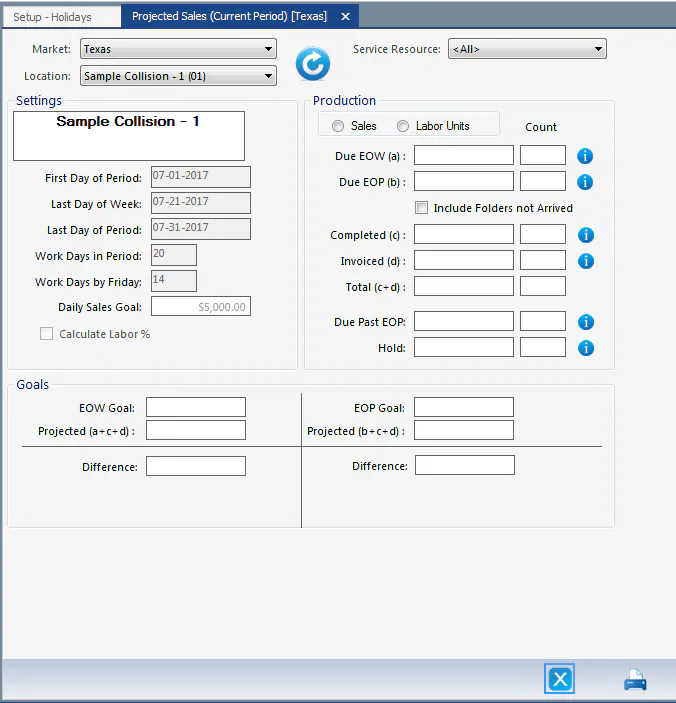
Section titled “How holidays affect working days”The Work Days in Period on the Projected Sales screen is the number of working days in the period minus the holidays you’ve set up.