
Change a vehicle's stage
Change a vehicle’s stage so the In Process list shows where it is in production.
-
In the Vehicle Center, select the In Process tab.
-
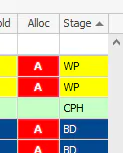
Double-click the vehicle’s Stage cell, at the far right of the grid.
-
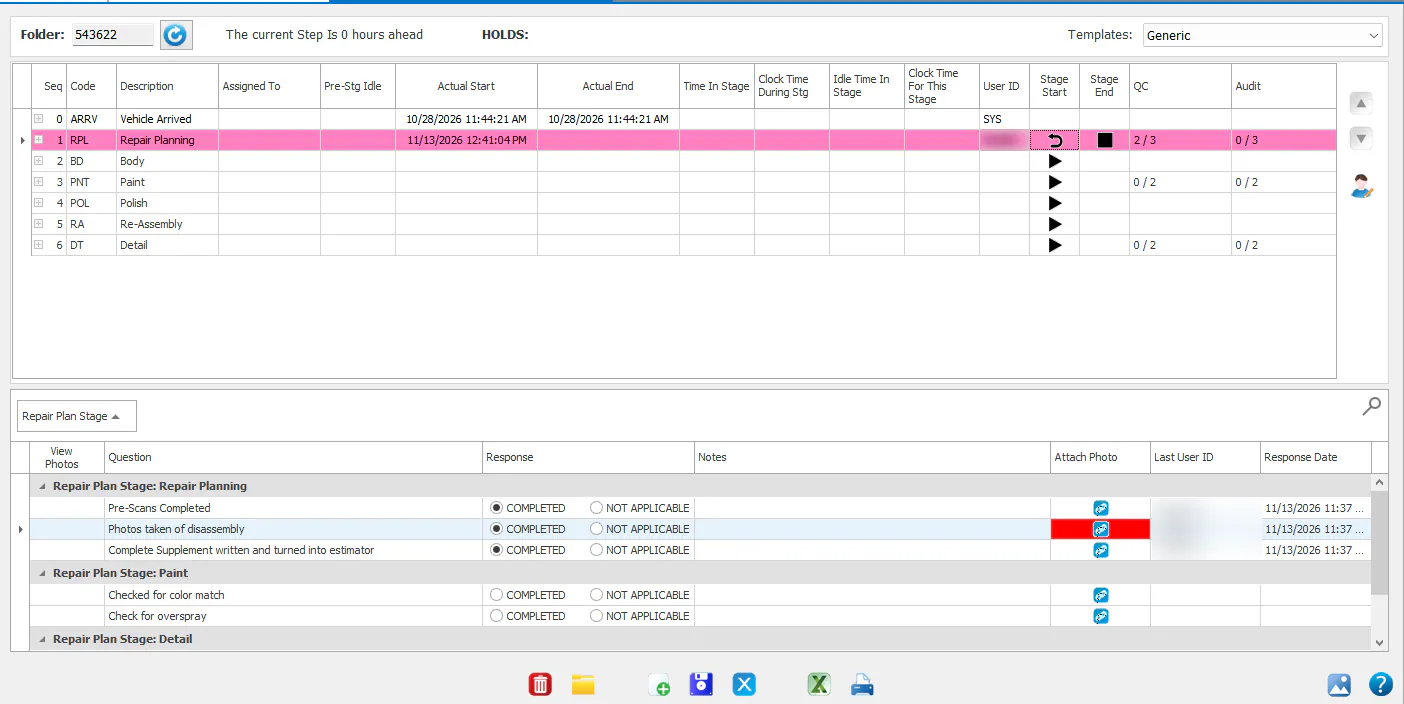
The Repair Plan window opens. On the stage’s row:
- To start the stage, select the play button (▶) in the Stage Start column.
- To end the stage, select the stop button (■) in the Stage End column.
- To undo the last action on the stage, select the undo arrow in the Stage Start column.
The vehicle’s row in the In Process list changes to the color of its current stage.