
Install Nexsyis
Install the Nexsyis desktop application on a computer. When the install finishes, the Nexsyis login screen opens.
Before you begin
Section titled “Before you begin”You need an activation key for the install. Nexsyis Support provides it: email nexsupport@nexsyis.com.
Install Nexsyis
Section titled “Install Nexsyis”-
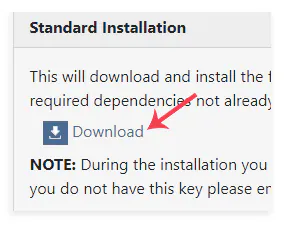
Go to install.nexsyis.com and select Download under Standard Installation.
-
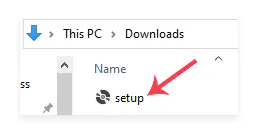
Open the setup file in your Downloads folder to start the install.
-
Go through the install steps. Select Next to accept all of the default options, and select Yes on any security warnings.
-
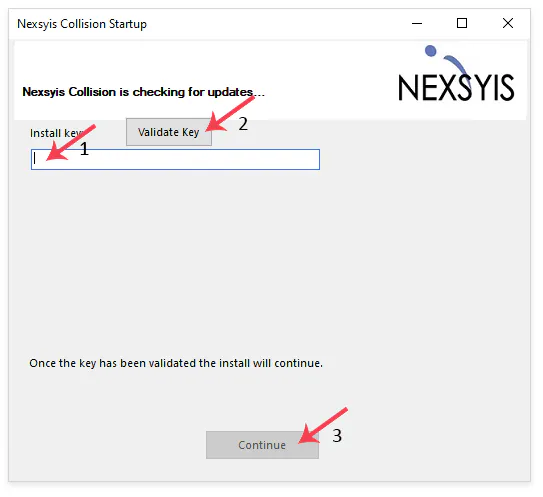
When you’re asked for the activation key, paste it into the Install key box.
-
Select Validate Key.
-
When the key is validated, select Continue.
Nexsyis downloads the application files. Depending on your internet speed, this can take 5 to 10 minutes.
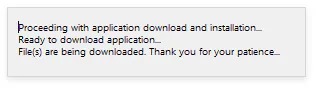
When the download is done, the login screen opens and the install is complete.
If you have problems or questions about the install, email nexsupport@nexsyis.com.