Select a sales code on an AP invoice
Sometimes you attach an AP invoice cost to a folder that has no matching work order or estimate line. If the financial category you choose has more than one sales code, you must pick the sales code for the line.
How it works
Section titled “How it works”A sales code describes the kind of work (for example, parts OEM or sublet labor) and drives operational reports. A financial category is the general ledger account the cost posts to. Each sales code maps to a financial category, and several sales codes can map to one financial category. See Set up sales codes and financial categories.
Choose the sales code
Section titled “Choose the sales code”-
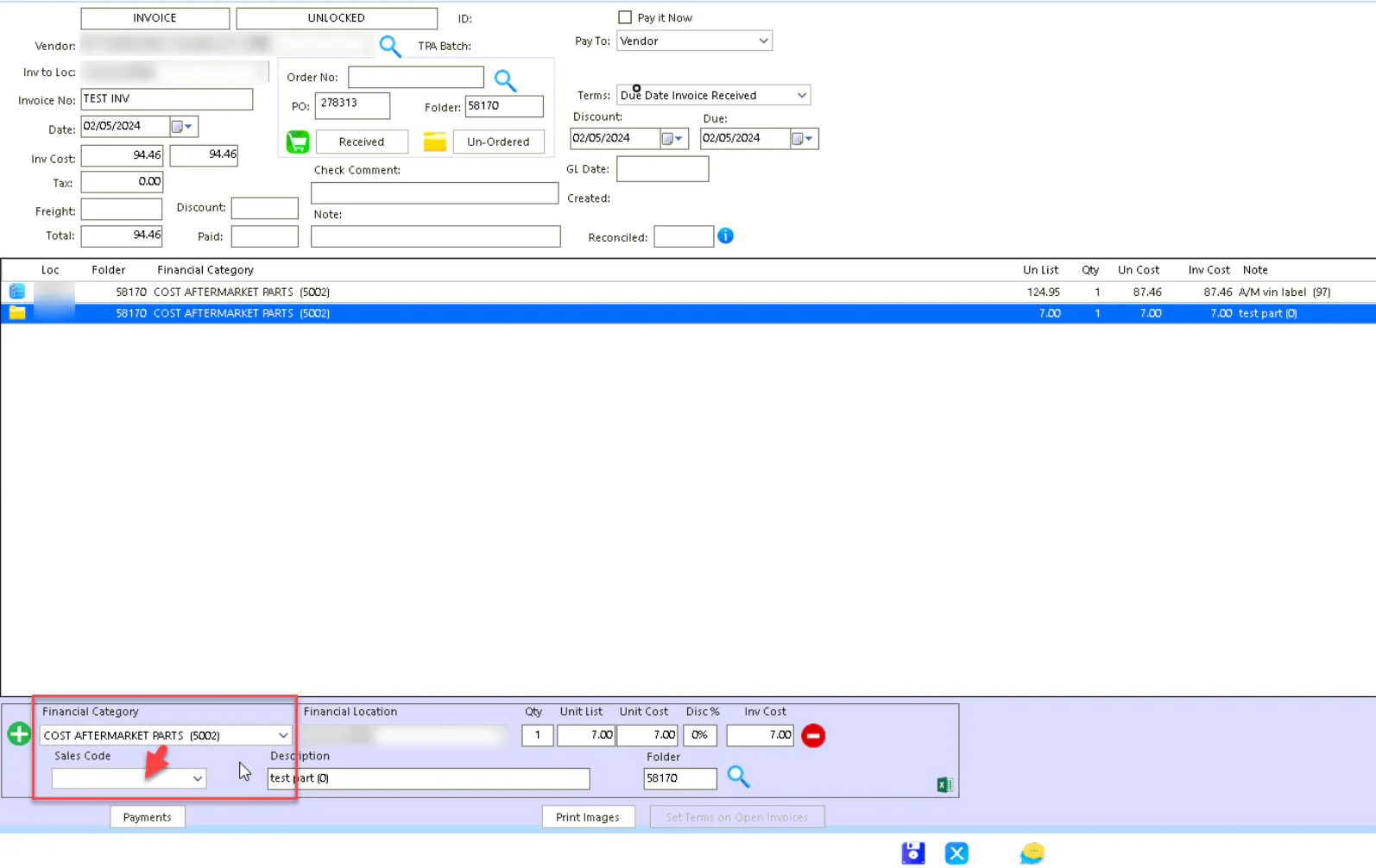
On the AP invoice line, choose the Financial Category.
-
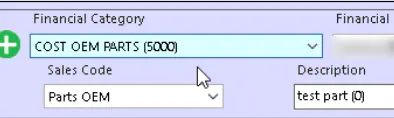
If that category has several sales codes, choose one from Sales Code under it.
-
Save the invoice.
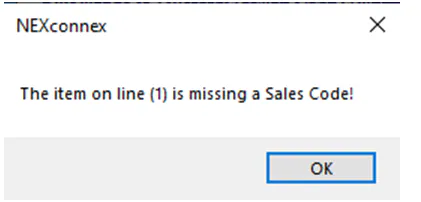
If you forget to choose a sales code, you see a message when you try to save, for example “The item on line (1) is missing a Sales Code!”
If the financial category has only one sales code, Nexsyis sets it for you.