Mark a vehicle as arrived
When a vehicle arrives at the shop, mark it as arrived. The vehicle then moves onto the In Process tab of the Vehicle Center.
You can mark a vehicle as arrived in two ways.
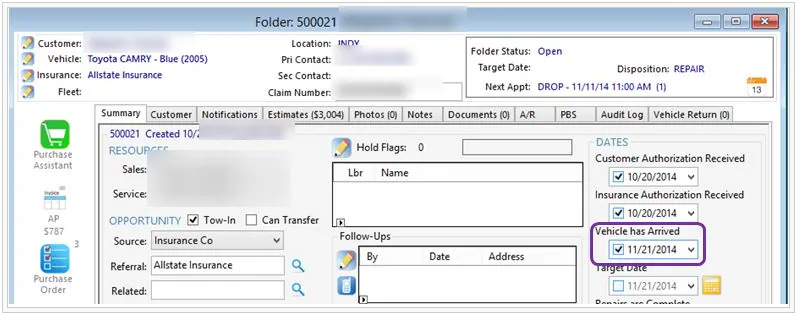
From the folder
Section titled “From the folder”- On the folder’s Summary tab, select Vehicle has Arrived.
- Select Save.
From the Scheduling screen
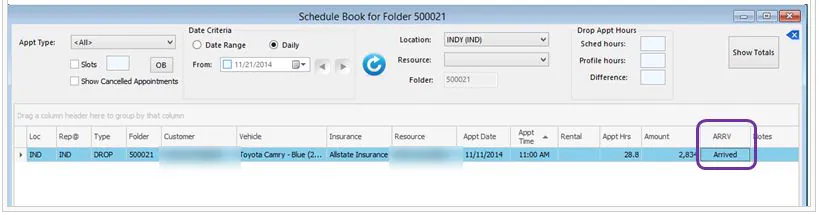
Section titled “From the Scheduling screen”If the vehicle has a drop appointment:
- Open the Scheduling screen.
- In the ARRV column, double-click Scheduled. It changes to Arrived.