Request feedback and reviews
After a vehicle is delivered, Nexsyis can send the customer a link that asks about their experience. Customers who had a good experience are sent to your review sites, and feedback from the others comes back to you as a customer message.
Before you begin: set up your review links and the delivered message. See Set up the feedback and review link.
How it works
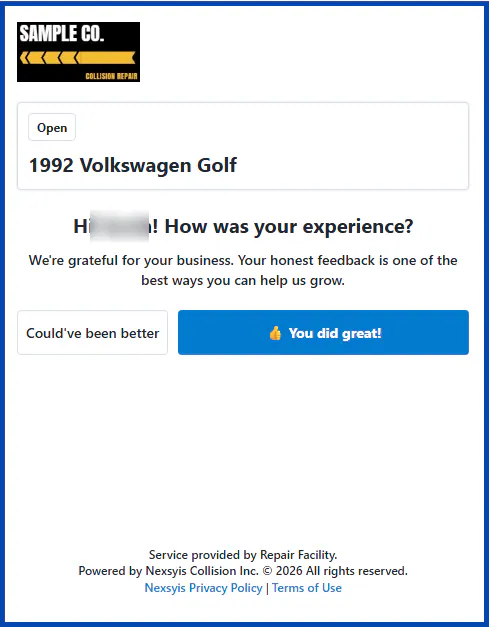
Section titled “How it works”When the vehicle is marked as delivered, the customer is sent a message with a link, using the contact method on their folder. The link opens a page that asks How was your experience? with two buttons.
-
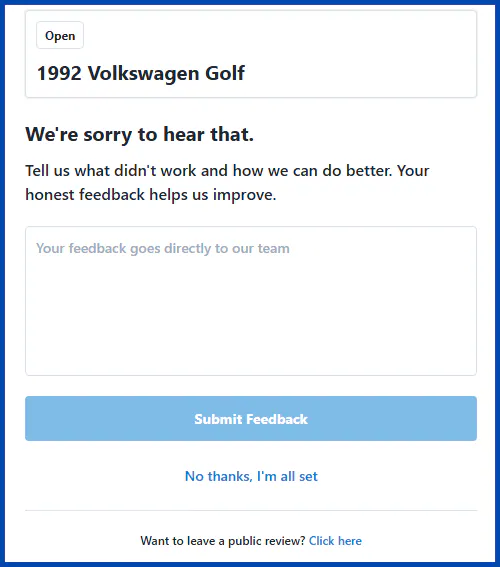
Could’ve been Better opens a feedback form. The customer can send you their feedback, or go straight to leaving a review.
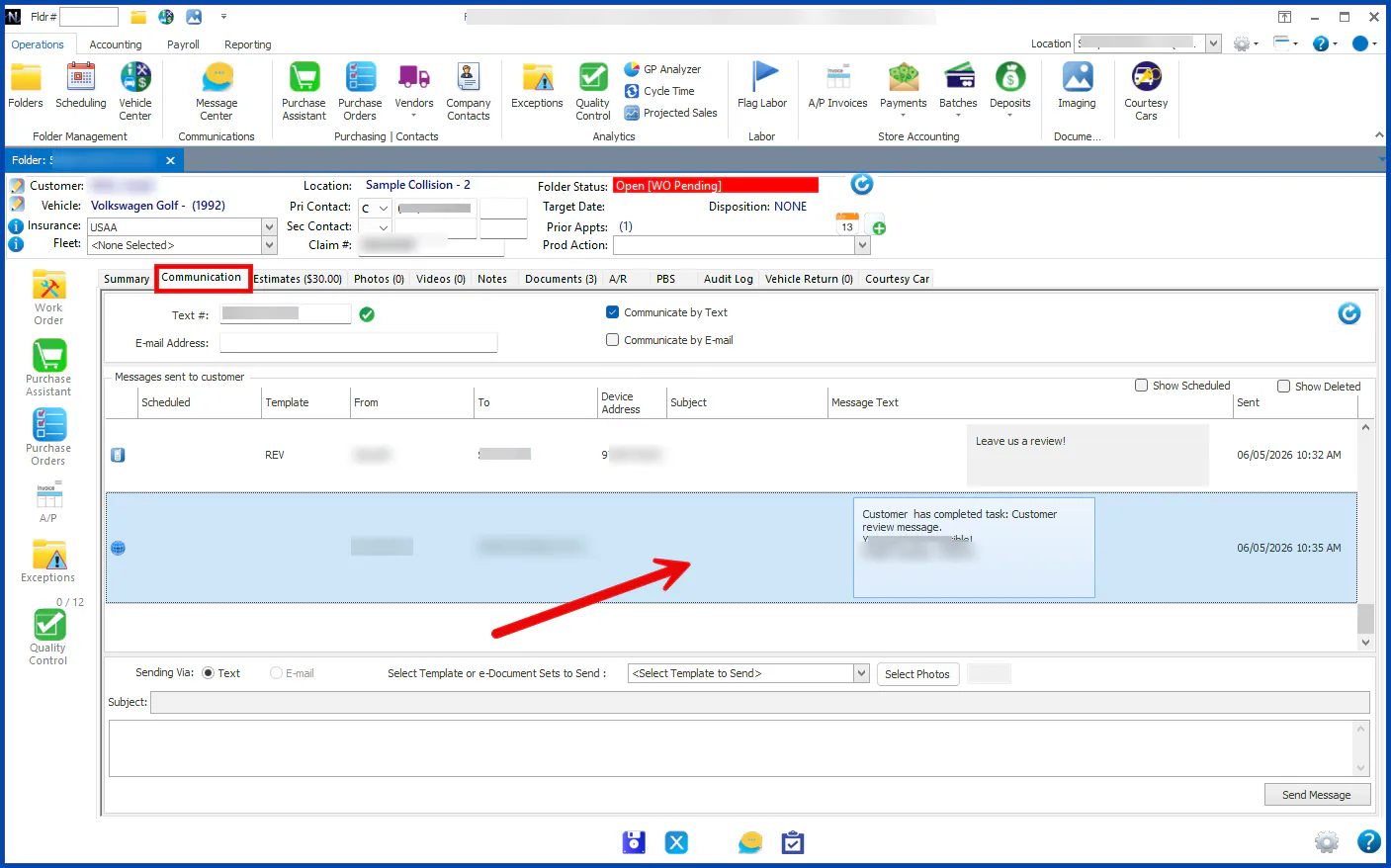
Feedback is recorded as a customer message on the folder’s Communication tab.
-
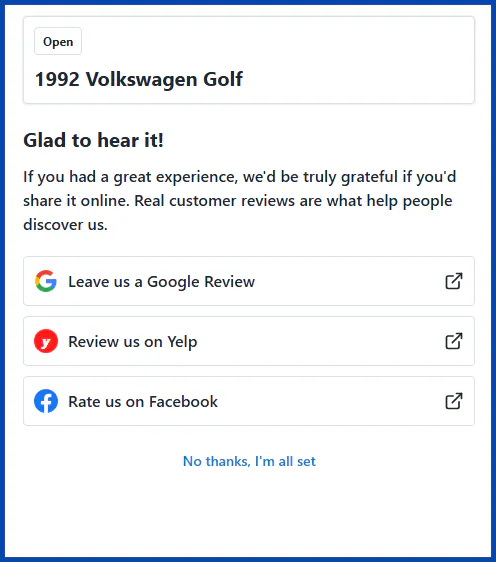
You did great! opens a list of the review sites you’ve set up. The customer chooses one and leaves their review there.