
Update Nexsyis
Nexsyis checks for updates each time you start it. If there’s no update, Nexsyis opens as usual.
When an update is found
Section titled “When an update is found”If an update is found, Nexsyis checks whether the Windows user signed in to the computer has administrator permissions.
- Administrator: the update installs.
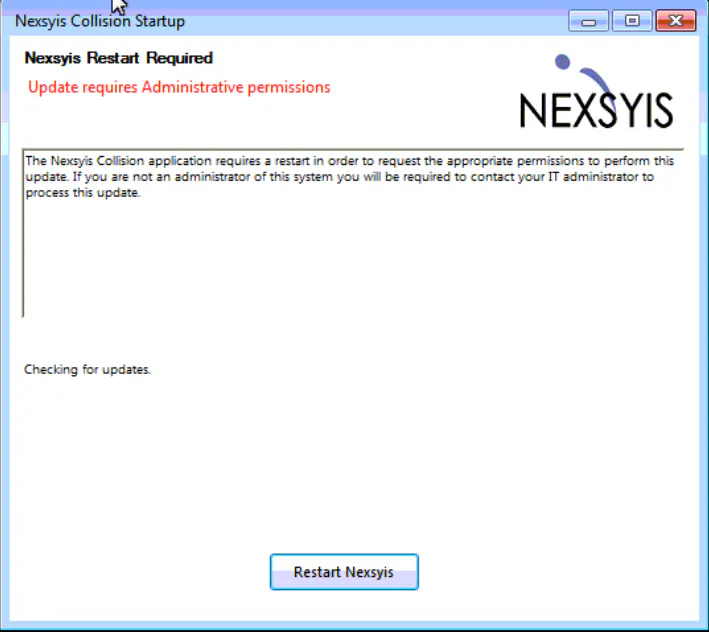
- Not an administrator: the Nexsyis Restart Required message opens, saying the update requires administrative permissions.
Install an update that needs administrator permission
Section titled “Install an update that needs administrator permission”-
Select Restart Nexsyis.
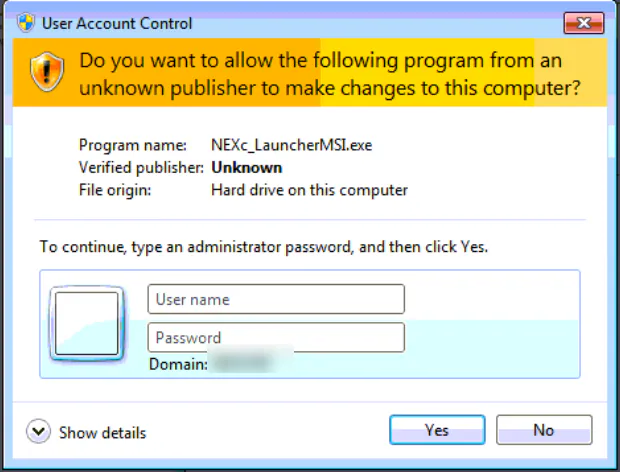
Nexsyis restarts and Windows asks for administrator credentials.
-
A user with administrator rights on the computer types their user name and password, then selects Yes.
The update installs.
To make sure you get updates, start Nexsyis from the Start menu or the desktop icon. See Don’t pin Nexsyis to the taskbar.