Send an estimate for review
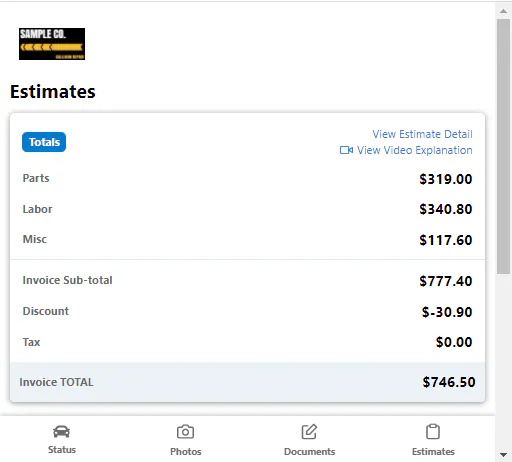
Send the customer a link that opens the Estimates page of the Customer Portal, so they can review the estimate you wrote. You’ll usually do this after a customer sends an online photo estimate.
Before you begin: import the estimate into the folder.
-
Open the folder and go to the Communication tab.
-
Choose the Estimate Review template, and send the message.
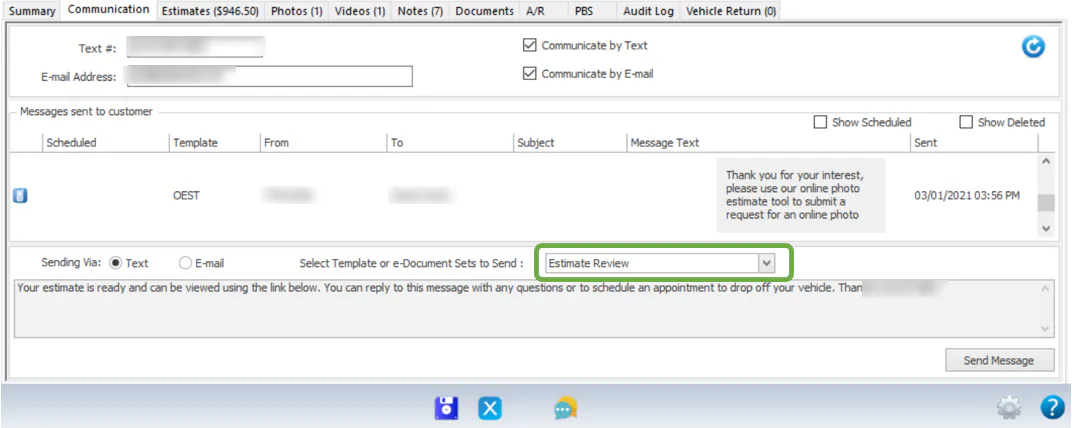
The customer gets a text or email with a link to the Estimates page of the Customer Portal.