Link and view AP invoice images
Link a scanned vendor invoice to its AP invoice so anyone can open the image later from the folder.
Link an AP invoice by folder number
Section titled “Link an AP invoice by folder number”-
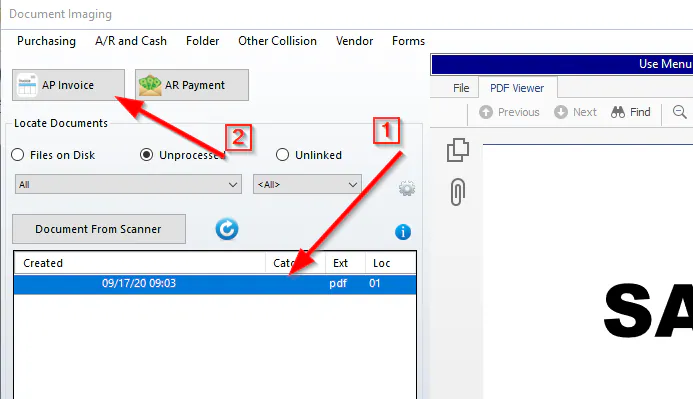
In Document Imaging, select the document.
-
Select AP Invoice.
-
Enter the folder number in Folder.
-
Select Refresh.

-
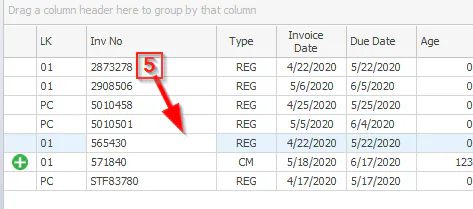
Select the invoice in the list.
-
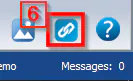
Select the Link button.
View a linked AP invoice image
Section titled “View a linked AP invoice image”-
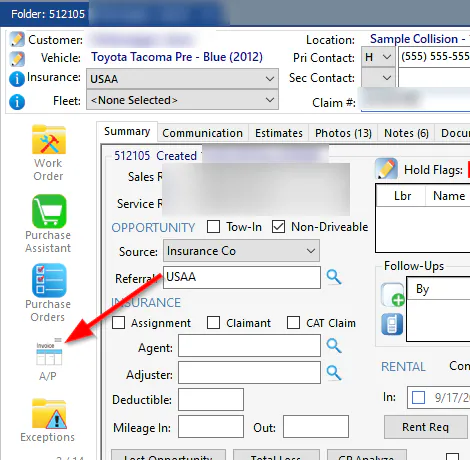
On the folder, select A/P on the left.
-
Select the invoice.

-
Select the Image button.