Collect signatures
When the customer is at the counter, hand them a device to sign repair documents in NexsyisNow. To send documents for the customer to sign on their own, see Get e-authorization from a customer.
Sign documents
Section titled “Sign documents”-
In NexsyisNow, open the folder.
-
Select E-Sign at the top left. A list of your e-authorization documents opens.
-
Select the document. It opens in a new tab.
-
Hand the device to the customer to sign.
The signed document is attached back to the folder automatically.
View signed documents
Section titled “View signed documents”-
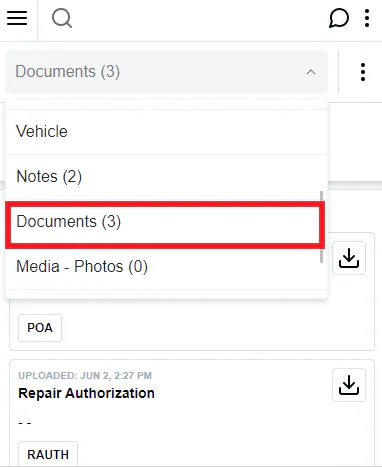
In the folder, choose Documents from the list at the top of the screen.
-
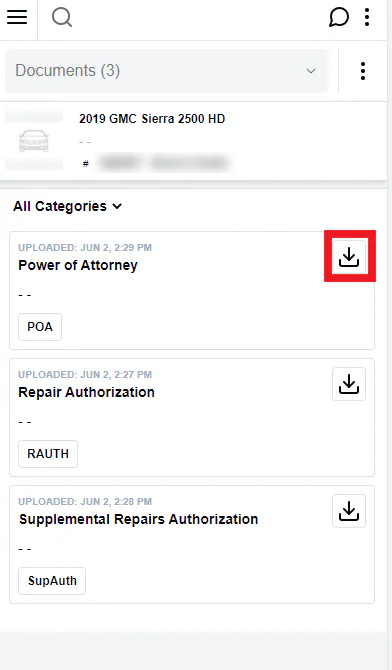
Select the download icon next to a document to open a copy.