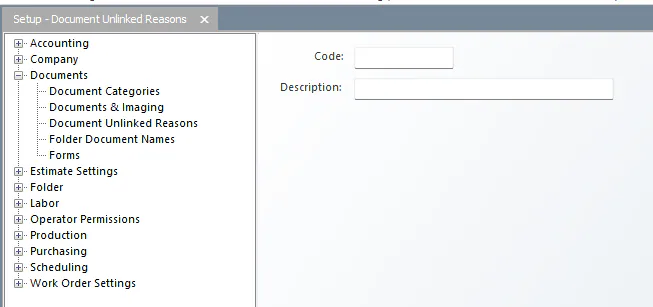
Set up document unlinked reasons
When someone closes a document without linking it, Nexsyis asks why before sending it to Unlinked, for example because it’s unreadable. Set up the reasons they can choose from.
Add an unlinked reason
Section titled “Add an unlinked reason”-
Go to Setup › Documents › Document Unlinked Reasons.
-
At the bottom of the screen, select Add New.
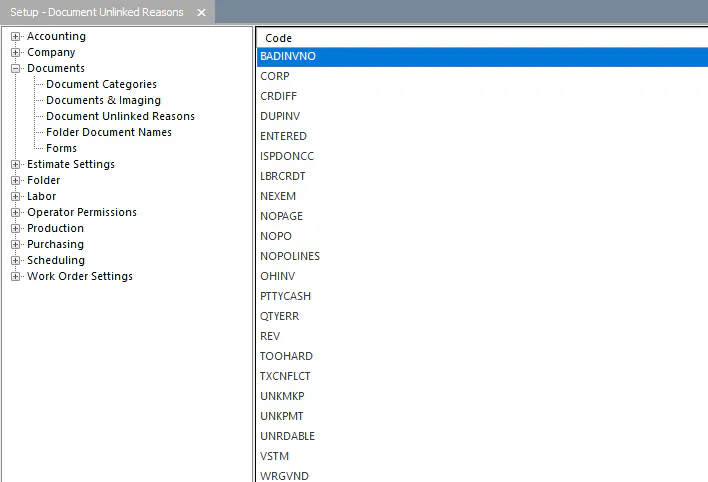
-
In Code, enter a unique code that isn’t already used, such as a short form of the reason.
-
In Description, enter the reason.