
Manage company contacts
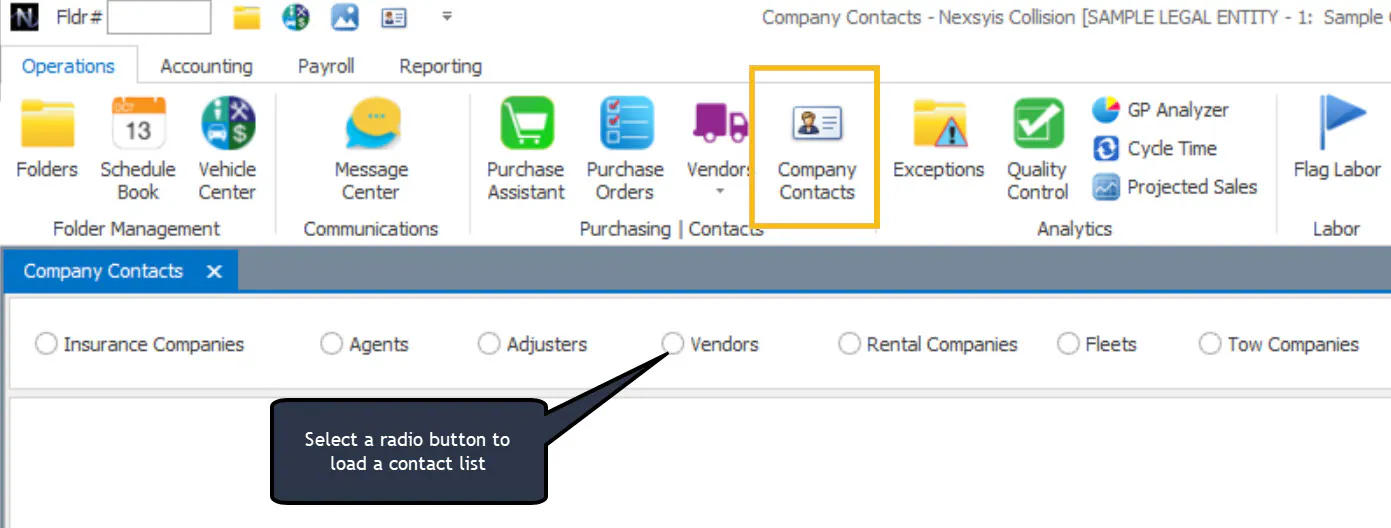
The Company Contacts screen is where you view, add, edit, inactivate or delete these contacts:
- insurance companies, agents and adjusters
- vendor contacts
- rental companies
- fleets
- tow companies
Each type needs its own permission.
Permissions
Section titled “Permissions”| Contact type | Permission needed |
|---|---|
| Insurance companies | Screen permission Insurance Companies: Change Insurance Company Details |
| Insurance agents | Screen permission Insurance Agents: Add/Change/Delete Insurance Agents |
| Insurance adjusters | Screen permission Insurance Adjusters: Add/Change/Delete Insurance Adjusters |
| Vendor contacts | Transaction permission Vendor Contacts, plus the AP vendor class permission |
| Fleets | Screen permission Fleet Setup: Add/Change/Delete |
| Tow companies | Screen permission Tow Companies: Add/Change/Delete |

Vendors and vendor contacts
Section titled “Vendors and vendor contacts”Searching the Vendors list shows both vendors and their contacts. Here you can only add or change vendor contacts. To add a contact, double-click the vendor name, or select New. Vendors themselves are view-only here; change them on the AP Vendors screen.