Reset the validation key
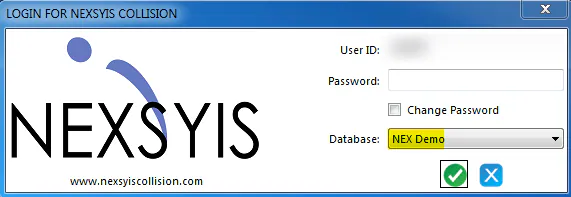
Reset the validation key to enter a new key. After you do, a new option shows in the Database list on the login window.
Reset the key
Section titled “Reset the key”-
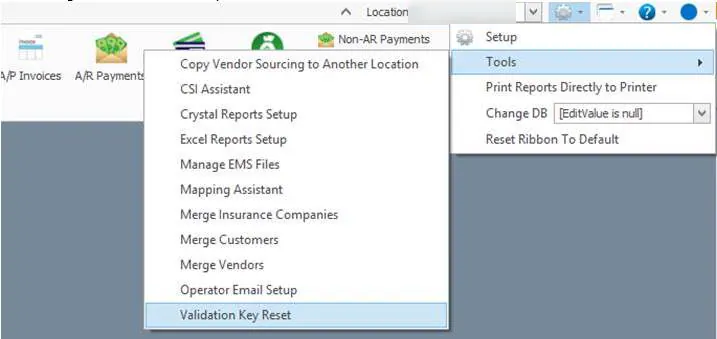
Open the system menu (gear icon), then select Tools › Validation Key Reset.
-
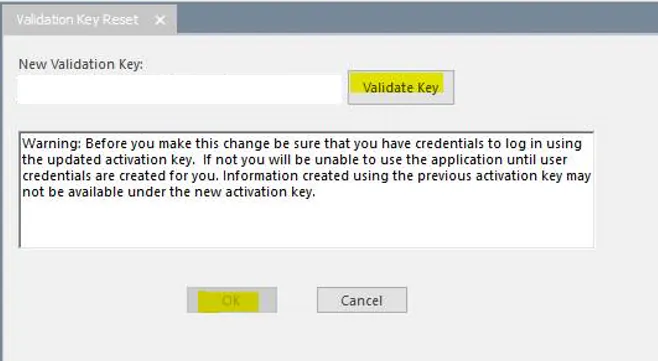
Paste the new key into New Validation Key.
-
Select Validate Key, then OK.
-
Close Nexsyis and open the login window again.
The new option shows in the Database list.