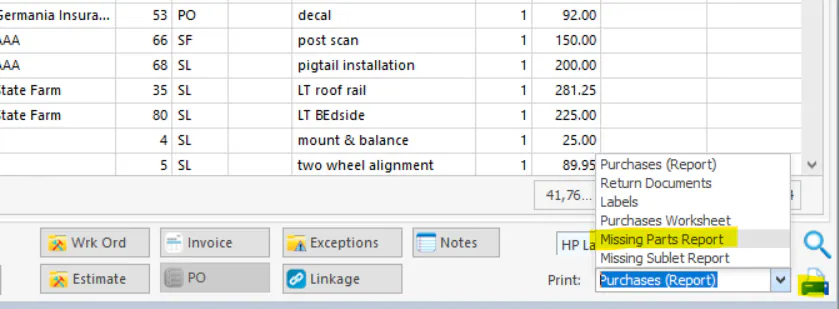
Print the missing parts report
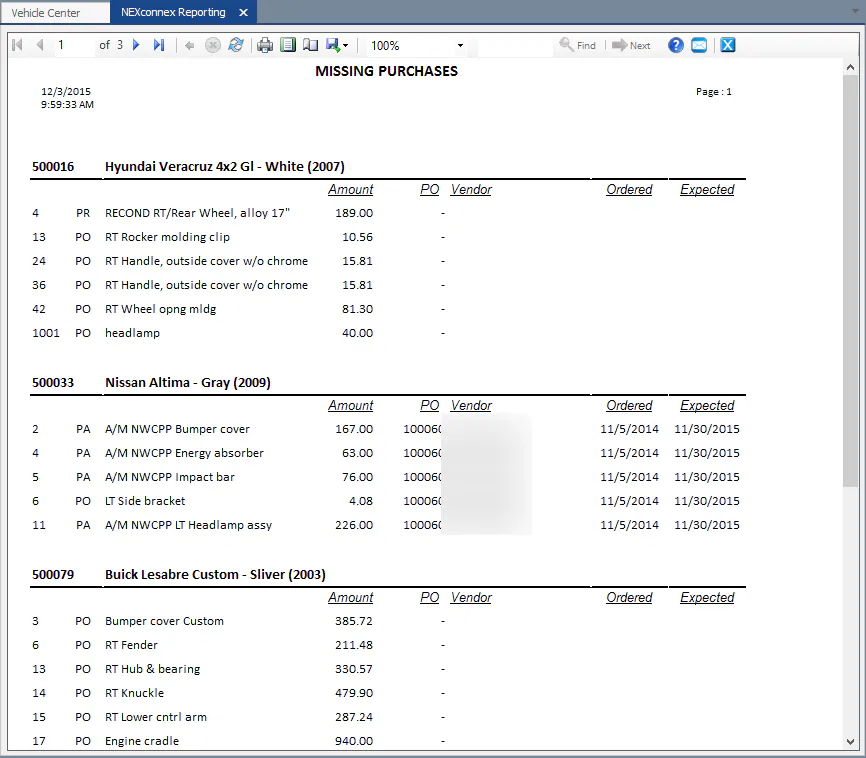
The missing parts report lists, by folder, the parts that haven’t been received for vehicles in process.
Print it from Vehicle Center
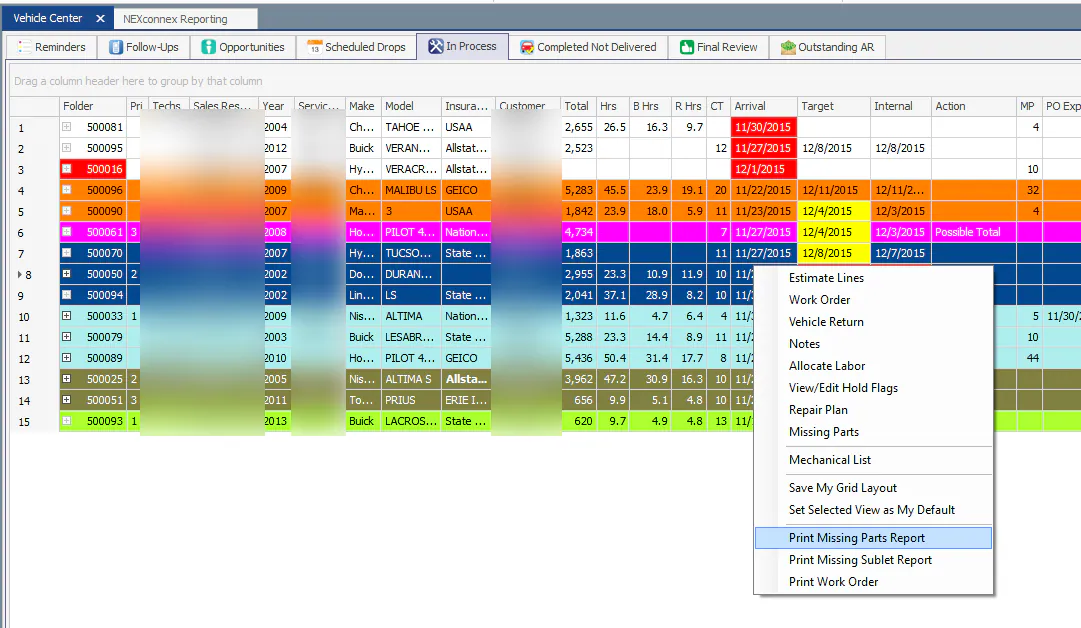
Section titled “Print it from Vehicle Center”- Open the In Process tab of Vehicle Center.
- Right-click the grid and select Print Missing Parts Report.
The report breaks down the parts not yet received by folder.
Print it from the Purchase Assistant
Section titled “Print it from the Purchase Assistant”You can also print the report from the Purchase Assistant.