
Nexsyis Payment Screen Updates
Released July 9, 2026
The payment screen in Nexsyis has been improved to make credit card payments easier to handle. When you process a credit card payment without the card being present, choose the Card Transaction option on the payment screen. After you enter the payment details and click Save, a dialog box appears with the Card Not Present option.
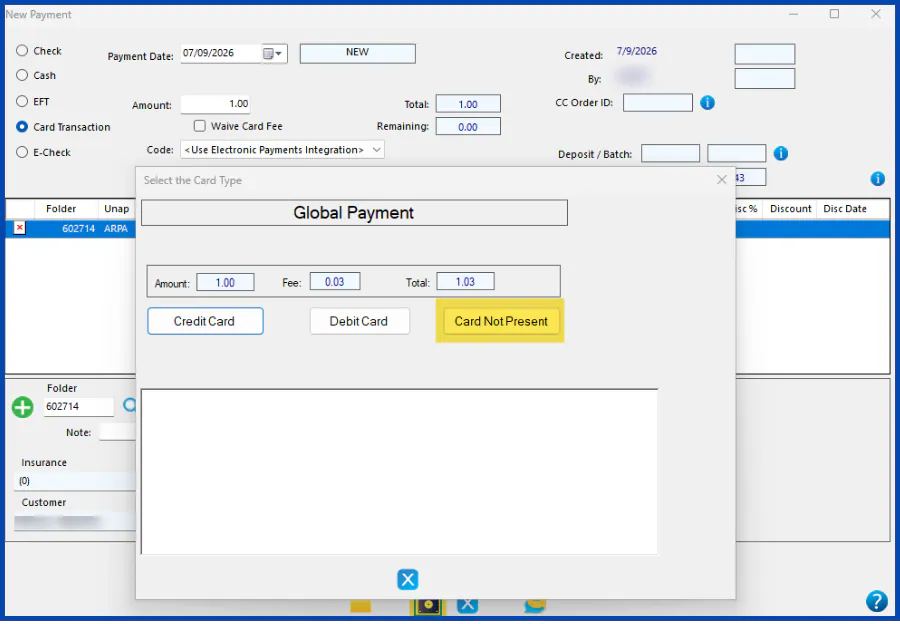
For more information, see Entering a New Card Payment.