
Install the Nexsyis Dashboard
Install the Nexsyis Dashboard on a computer and activate it for your database and location.
Before you begin
Section titled “Before you begin”You need an activation key. Nexsyis Support provides it: email nexsupport@nexsyis.com.
Install the Dashboard
Section titled “Install the Dashboard”-
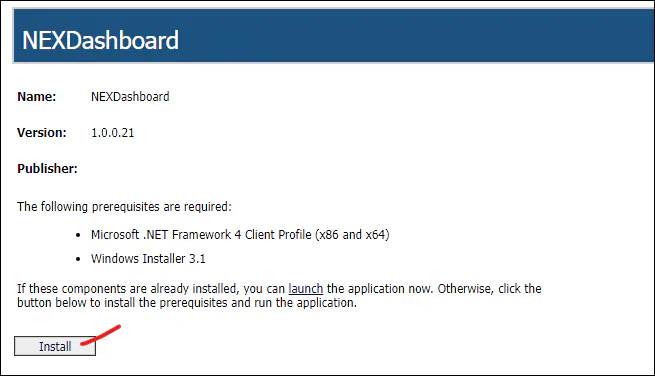
Go to dashboard.nexsyiscollision.com and select Install.
-
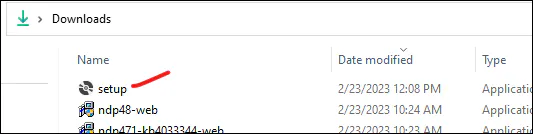
Run the setup file you downloaded. It’s usually in your Downloads folder.
-
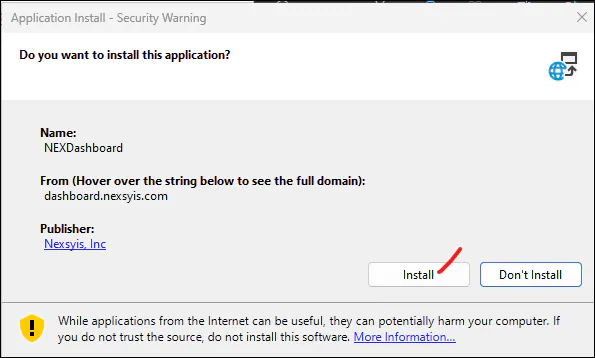
When the security warning asks if you want to install the application, select Install.
-
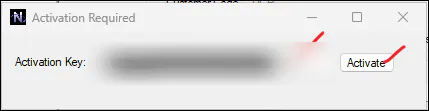
Paste your activation key into Activation Key and select Activate.
-
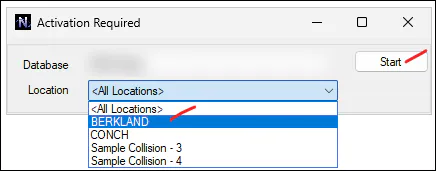
Select the Location from the drop-down and select Start.
If you have questions about the installer, email nexsupport@nexsyis.com.