Set up an employee to use the time clock
An employee clocks in with their employee ID. Set up their pay method or job code so their time shows on Approve Time.
Clock number
Section titled “Clock number”The employee’s clock number is their employee ID, set up on the Employees screen on the Payroll tab. See Add a new employee.
Show the employee on Approve Time
Section titled “Show the employee on Approve Time”An employee shows on Approve Time when either of these is true:
-
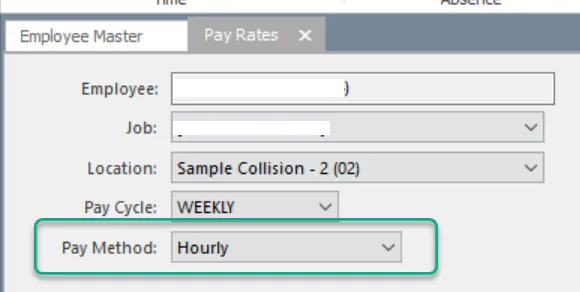
Pay Method is Hourly on their Pay Rates screen. See Set employee pay rates.
-
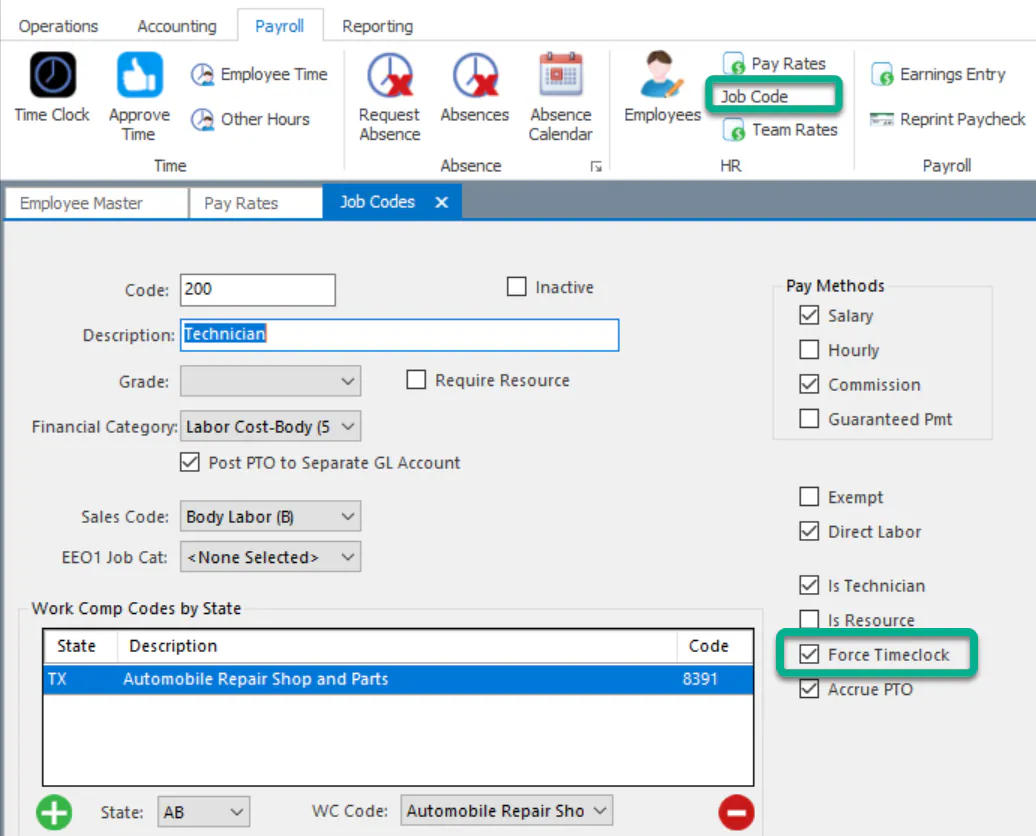
They’re paid by salary or commission but you want them to clock in, and Force Timeclock is selected on their job code. To change it, select Job Code on the Payroll tab.