Use manual folder numbers
Nexsyis can run in manual folder number mode. In this mode, users must enter a folder number on the New Folder screen before the folder can be created.
Turn on manual folder numbers
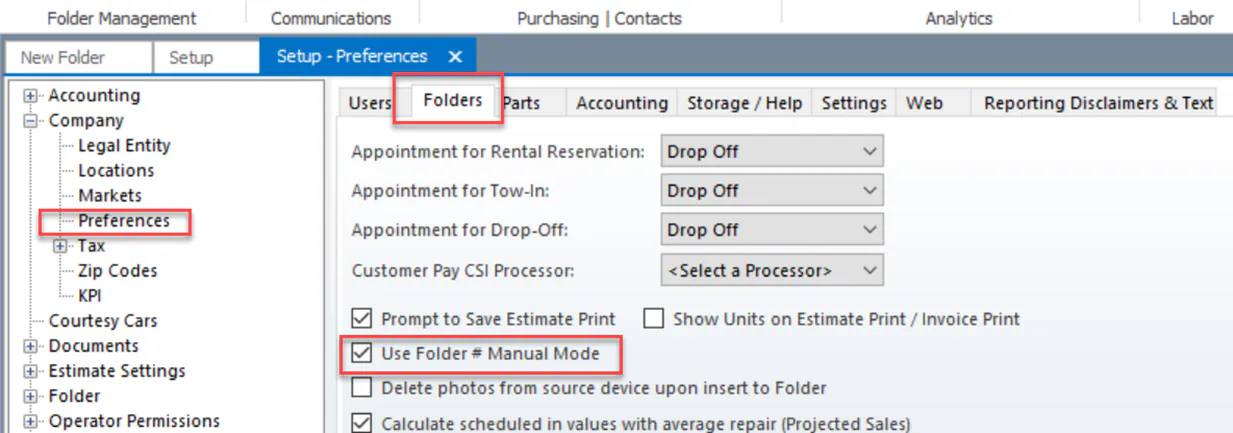
Section titled “Turn on manual folder numbers”- Go to Setup › Company › Preferences.
- Select the Folders tab.
- Select the Use Folder # Manual Mode checkbox.
- Select Save.
Create a folder with a manual folder number
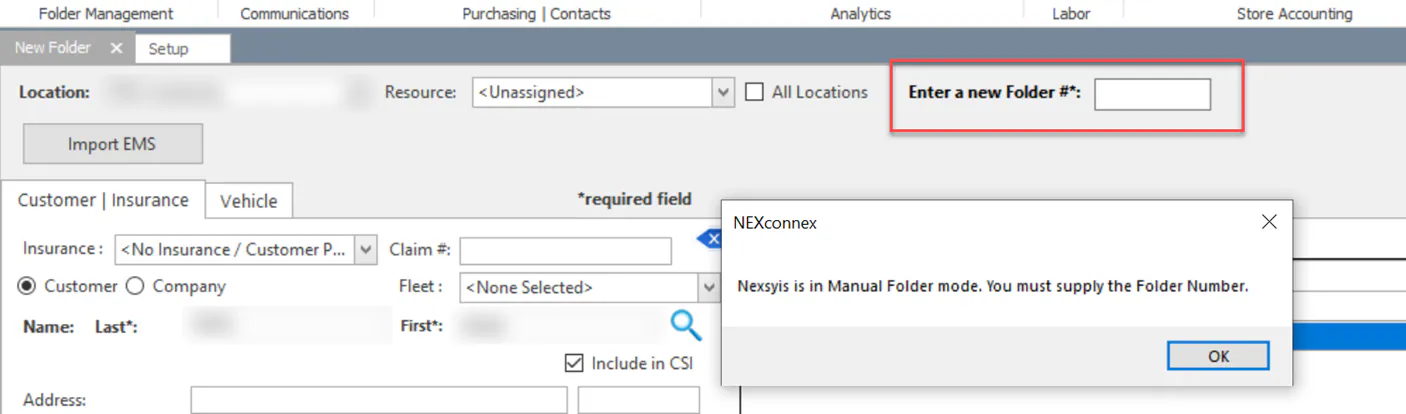
Section titled “Create a folder with a manual folder number”When manual folder number mode is on, the New Folder screen shows an Enter a new Folder #* box. If you try to create the folder without a number, Nexsyis shows a message that you must supply the folder number.
-
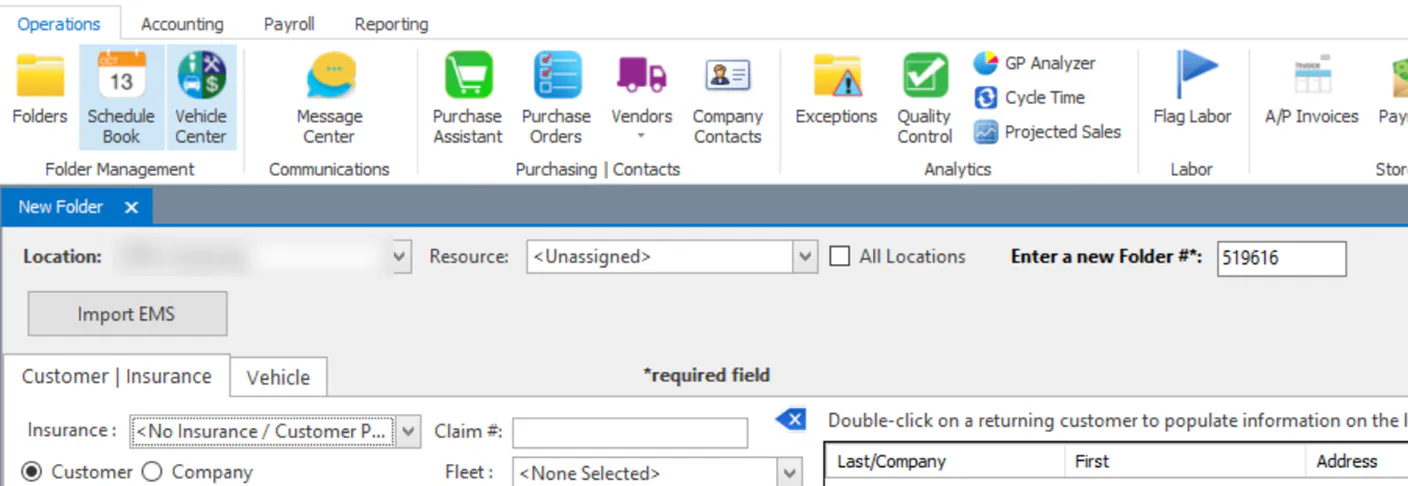
On the New Folder screen, type the folder number in Enter a new Folder #*.
-
Complete the rest of the folder and create it as usual. See Create a folder.
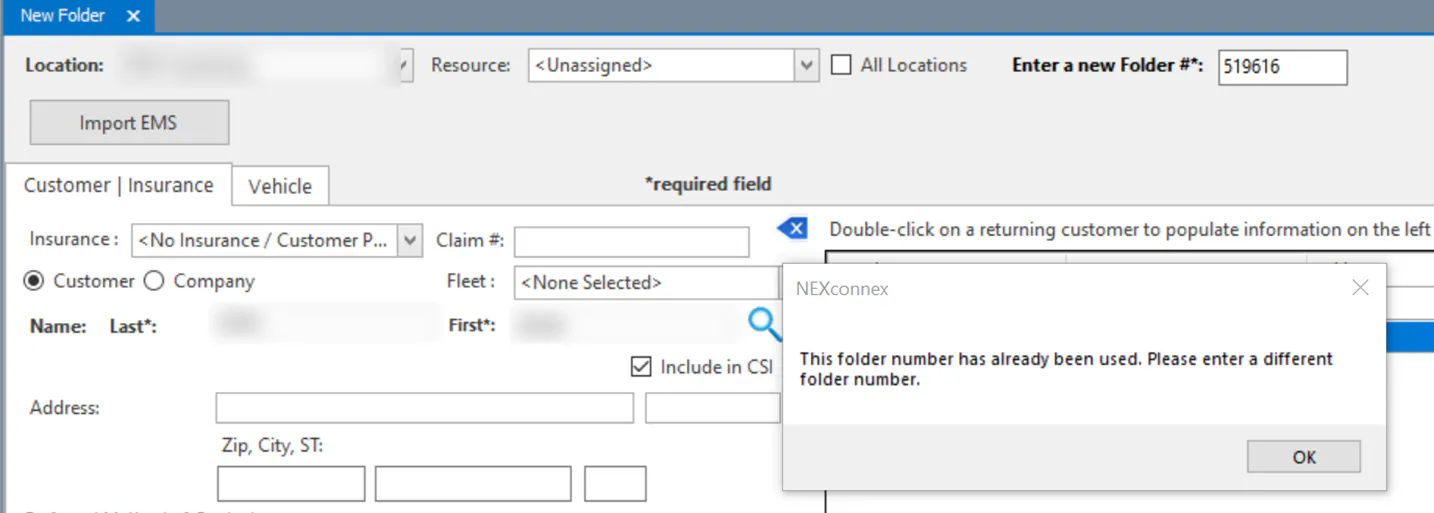
Each folder number can be used only once. If you enter a number that’s already in use, Nexsyis tells you to enter a different folder number.