
Use the Call Center
The Call Center in NexsyisNow shows open appointment slots for one or more locations in one view, so you can book an appointment quickly while a customer is on the phone.
-
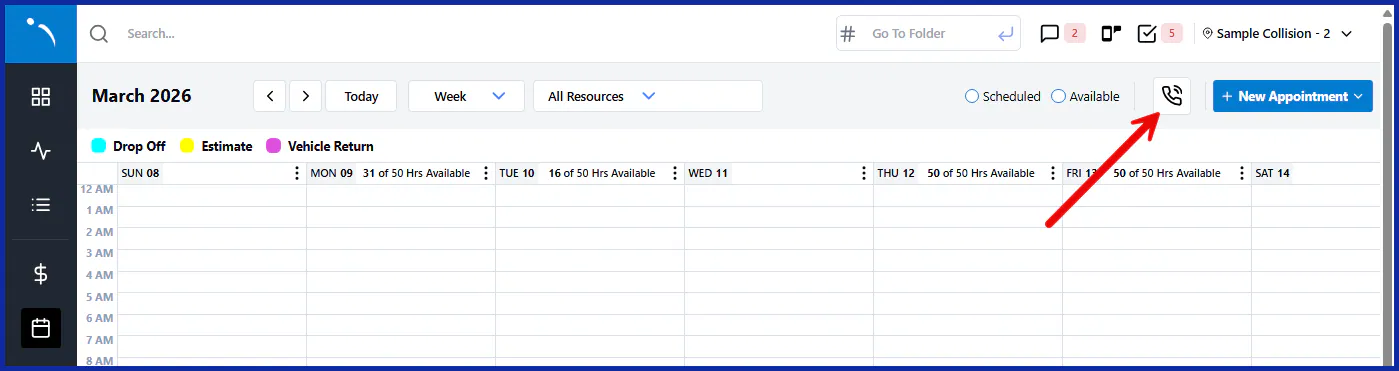
On the NexsyisNow Scheduling screen, select the phone icon.
-
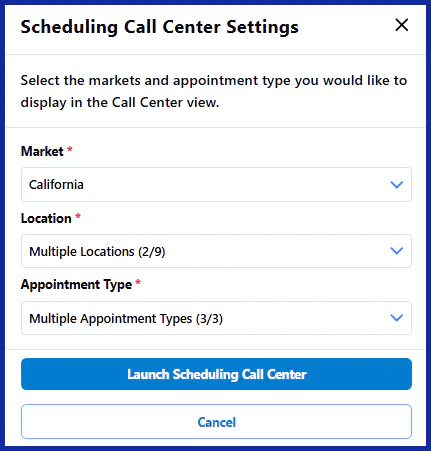
Choose the locations and appointment types to show, then launch the Call Center.
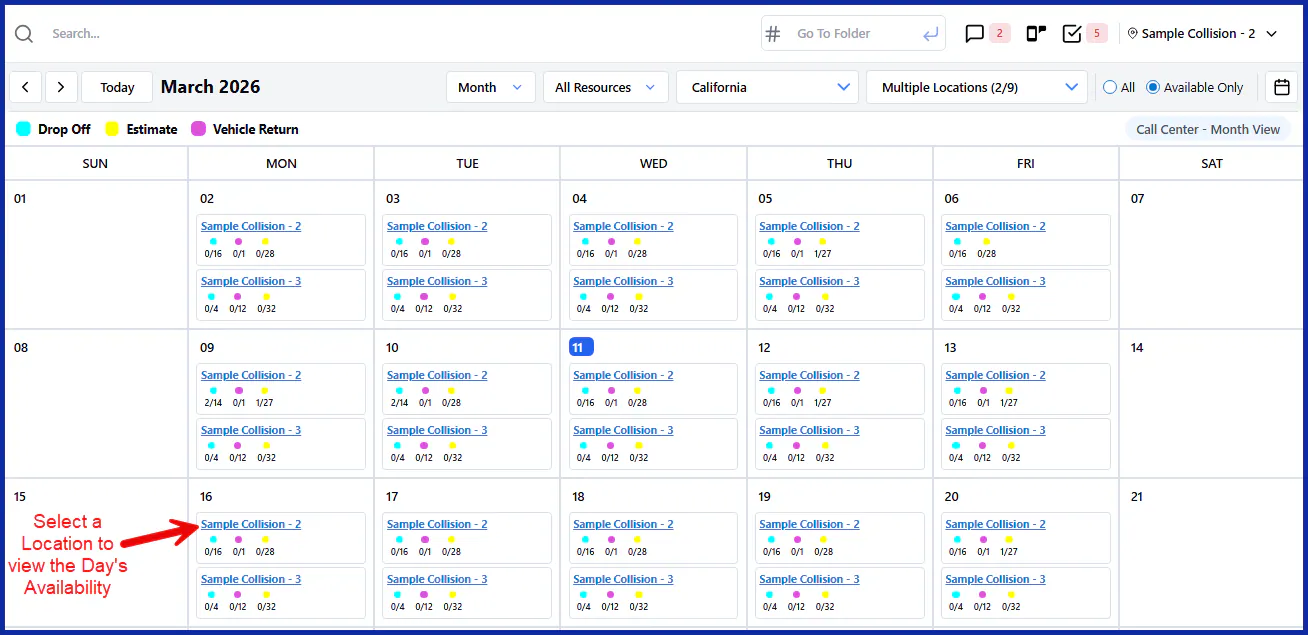
The Call Center opens in the month view. Each day lists the locations you chose, with the appointment availability at each.
Book an appointment
Section titled “Book an appointment”- From the month view: select an appointment type’s circle under a location. The New Appointment panel opens.
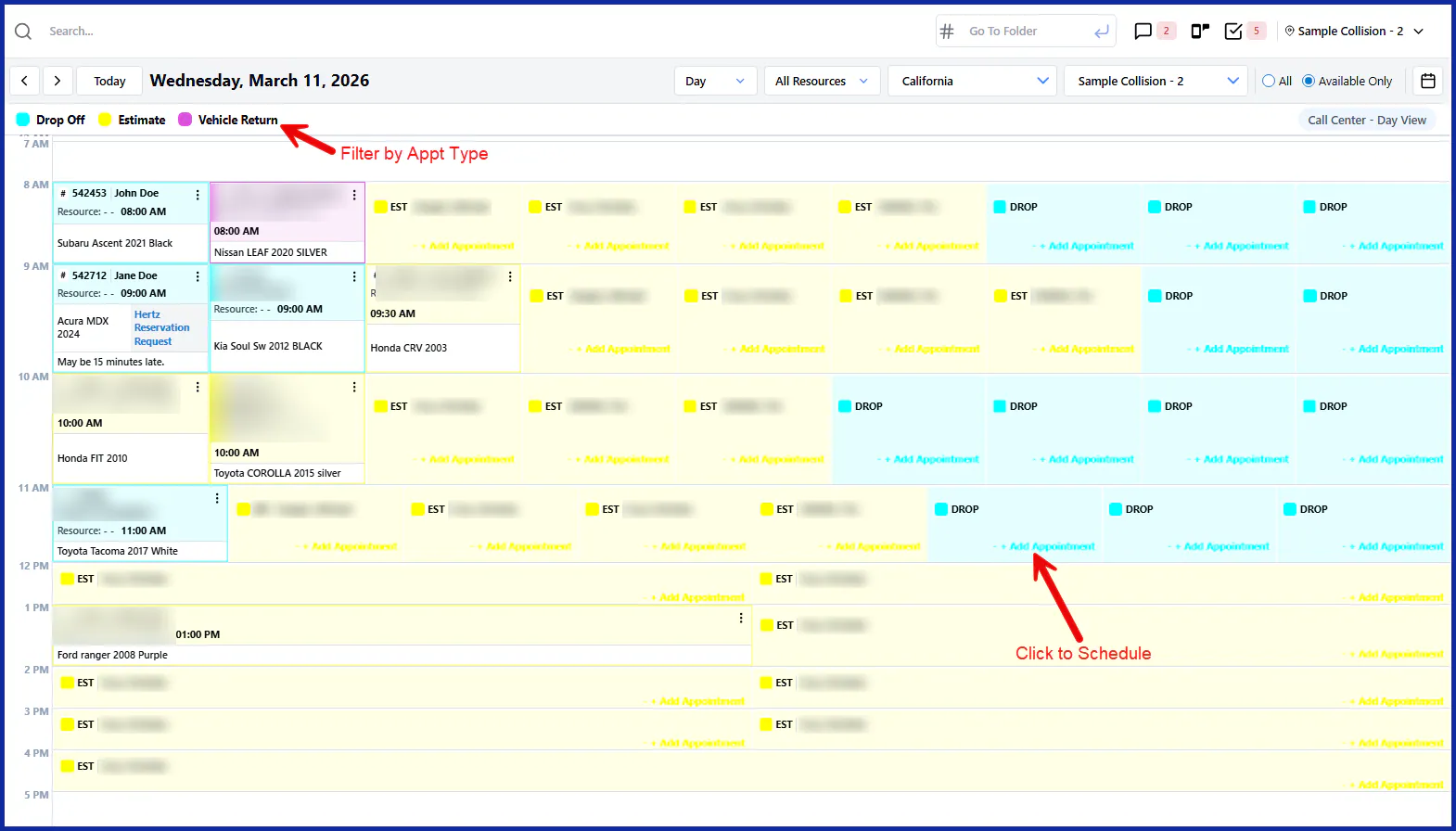
- From the day view: select a location name on a date to open that location’s day. It lists the open and booked appointments. Select +Add Appointment on an open slot to open the New Appointment panel. To show only some appointment types, select them at the top.
To finish booking, see Create an appointment.