Link voice and video files
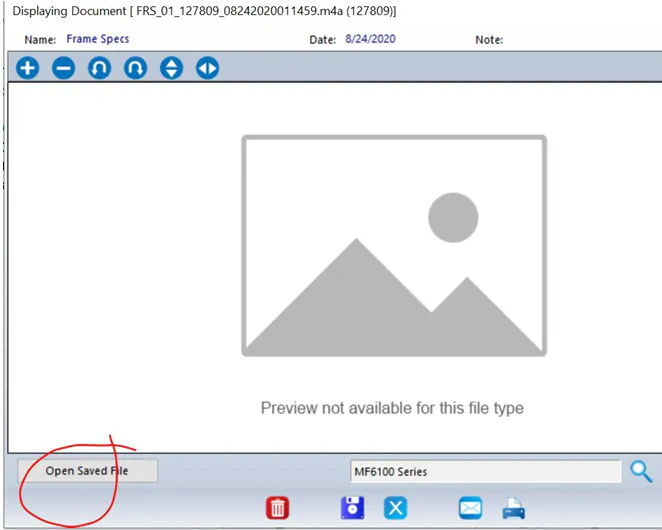
You can link voice and video files to records, the same way as other documents. Nexsyis can’t preview these files, so you open them to listen or watch.
Link a voice or video file
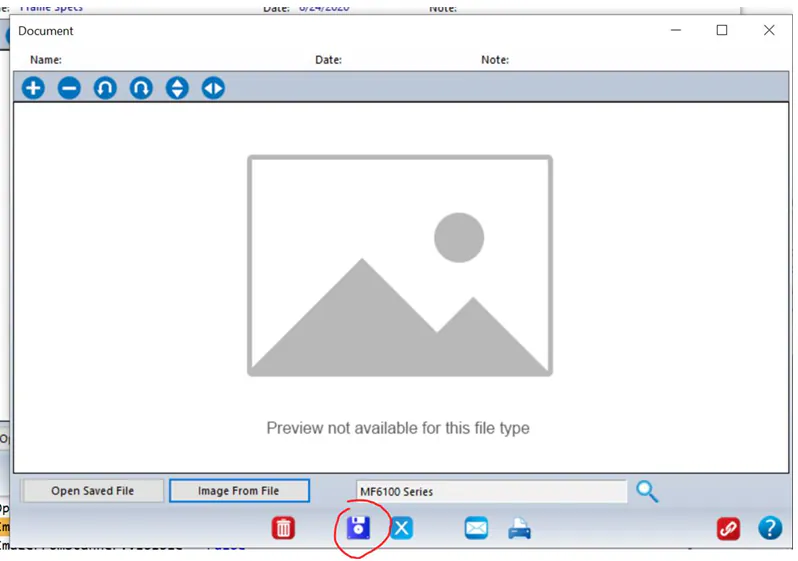
Section titled “Link a voice or video file”When you link the file, select Save in the document window. This prevents the pop-ups that otherwise appear when you link a voice or video file.
For the full linking steps, see Link documents.
Listen to or watch a file
Section titled “Listen to or watch a file”After the file is uploaded, open it and select Open Saved File.