Add manual work order lines
Add a manual line to the work order for work you want done, or a cost you’ll have, that isn’t on the estimate. Nexsyis can only create a purchase order for a line on the work order, so a part you need to order must have a work order line first.
When to use a manual line
Section titled “When to use a manual line”Use manual lines for items you don’t plan to bill to the customer.
If you do plan to bill the item, add the line in your estimating system and then import the revised estimate instead.
-
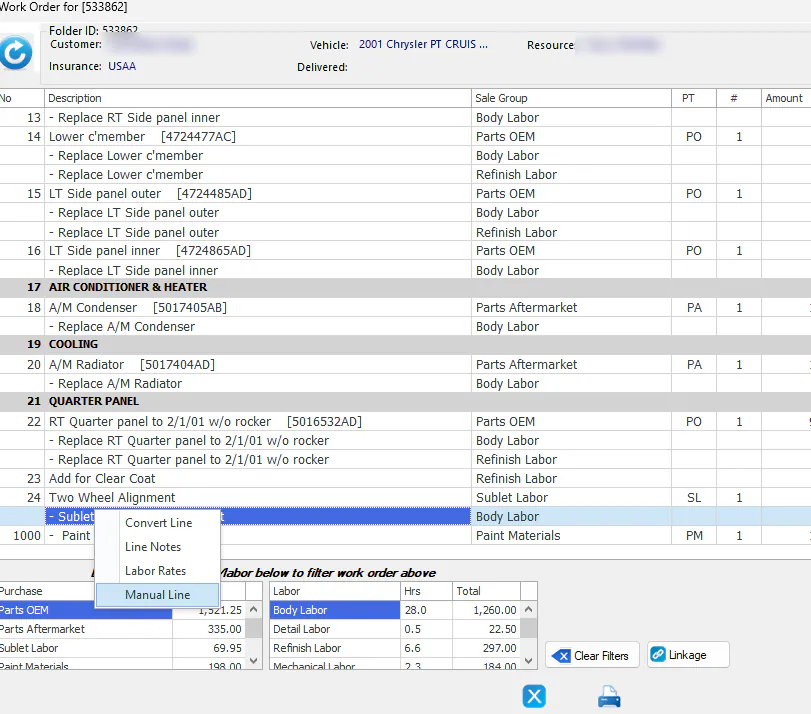
Open the work order, right-click any line and select Manual Line.
-
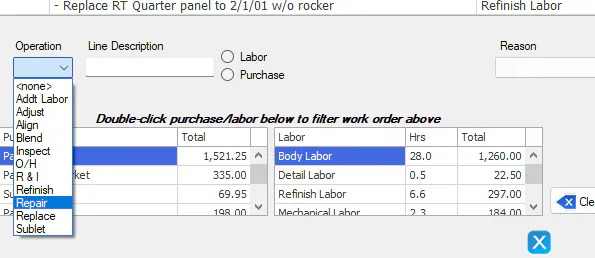
Select the Operation from the list.
-
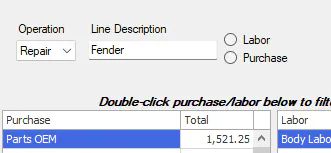
Type a Line Description.
-
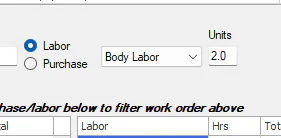
Select Labor or Purchase:
-
Labor: choose the type of labor from the list and enter the number of Units (hours).
-
Purchase: choose the Sales Code, then enter the Units (quantity) and the Amt/Unit (cost).
-
-
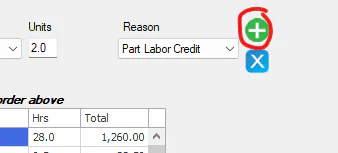
Select the Reason, for example Part Labor Credit.
-
Select the green plus button to add the line.
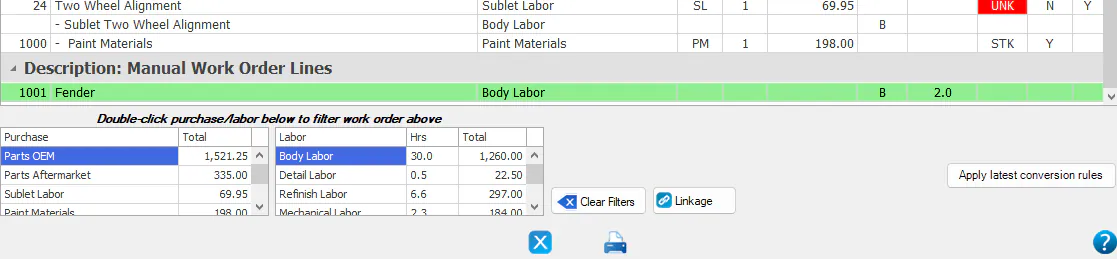
The line is added to the bottom of the work order in green, under Manual Work Order Lines.
-
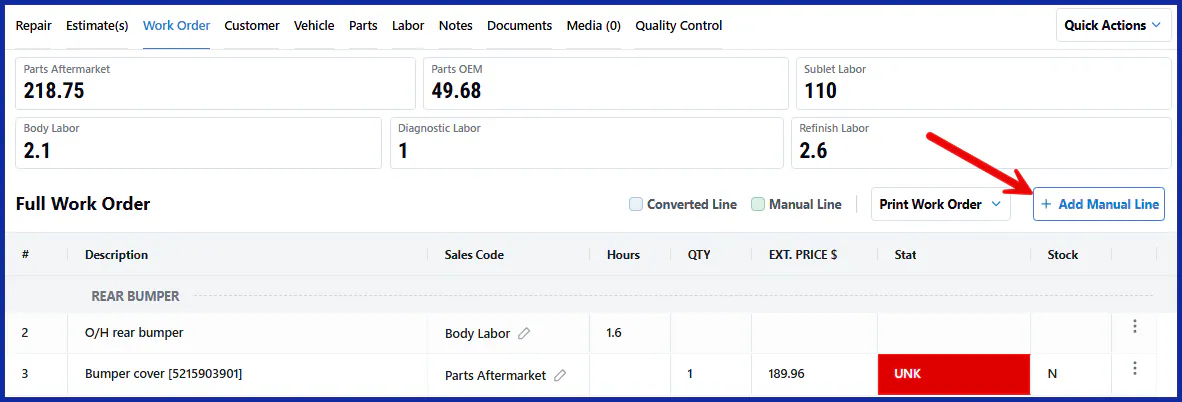
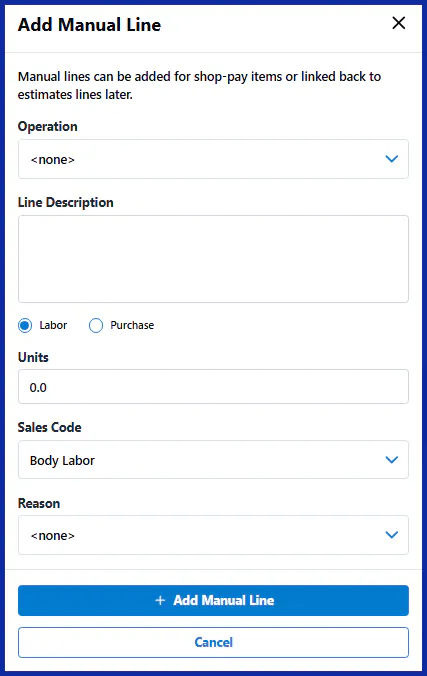
On the folder’s Work Order tab, select + Add Manual Line.
-
Fill in the Operation, Line Description, Labor or Purchase, Units, Sales Code and Reason.
-
Select Add Manual Line.
Delete a manual line
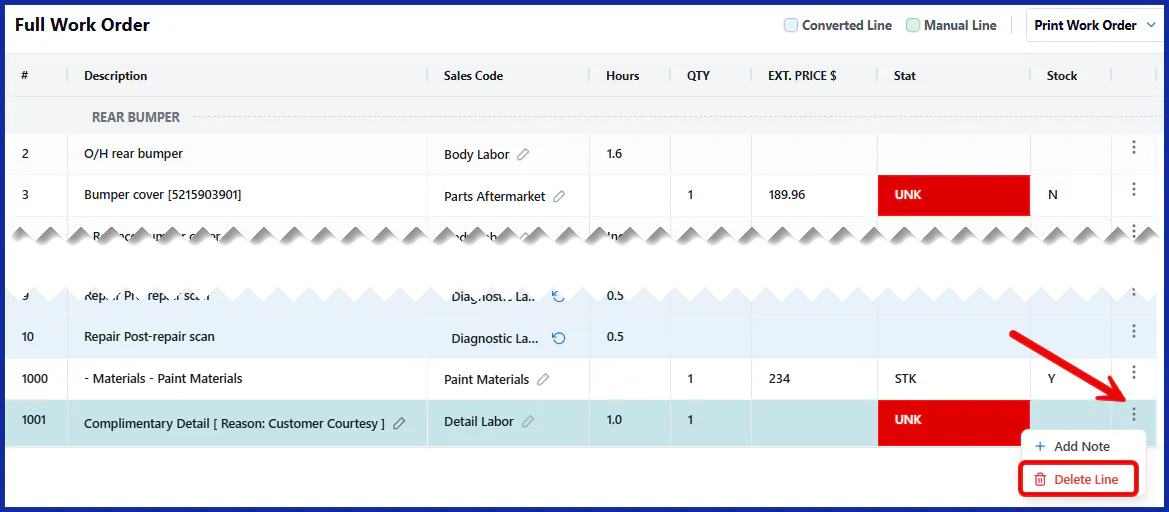
Section titled “Delete a manual line”Select the three-dots menu on the manual line, then select Delete Line.