Take appointments online
Customers can book an estimate or drop-off appointment from your website. The times they can choose come straight from your location’s Scheduling screen, and each booking creates a folder and an appointment in Nexsyis.
Before you begin
Section titled “Before you begin”Online scheduling must be set up. See Set up online appointment scheduling.
How customers book online
Section titled “How customers book online”-
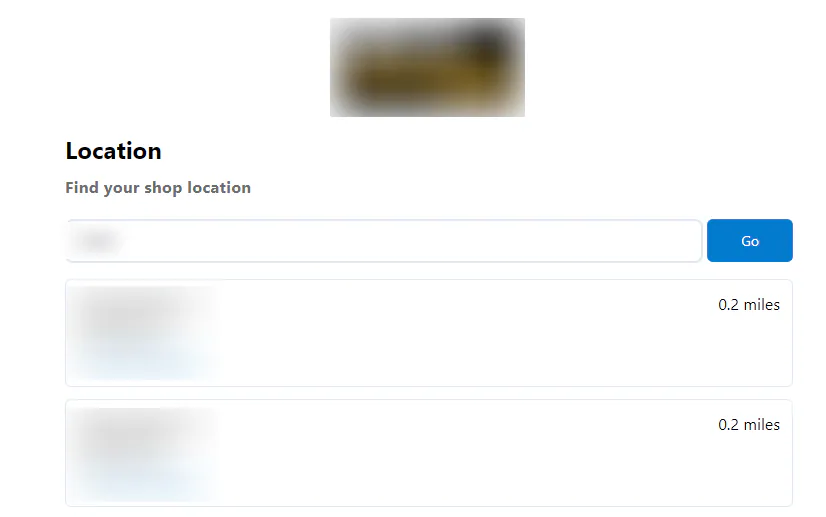
The customer finds your shop by entering their ZIP code or allowing their browser to use their location, then selects your location.
-
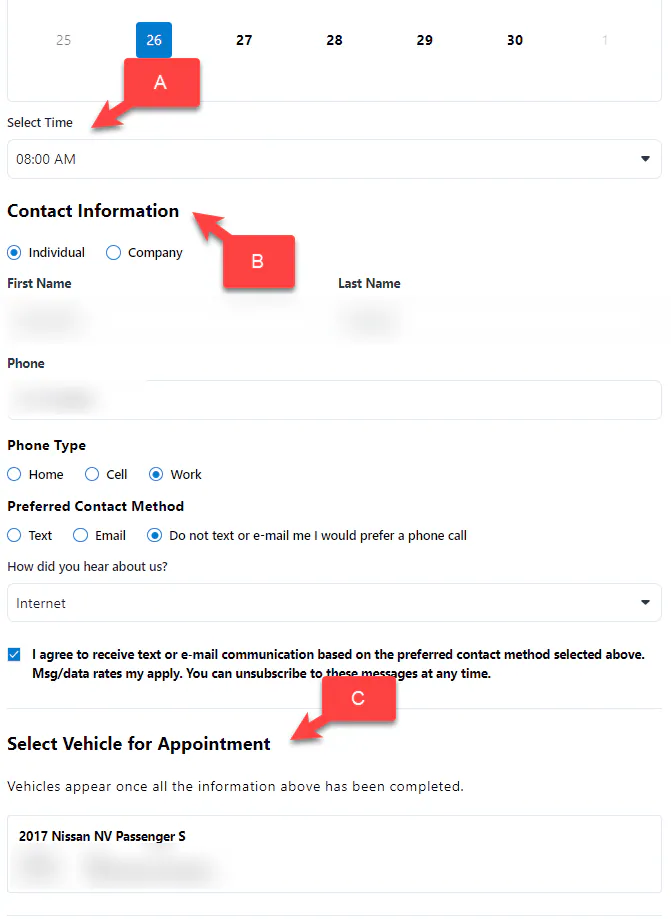
They choose an available time, then enter their name, phone number and email address.
-
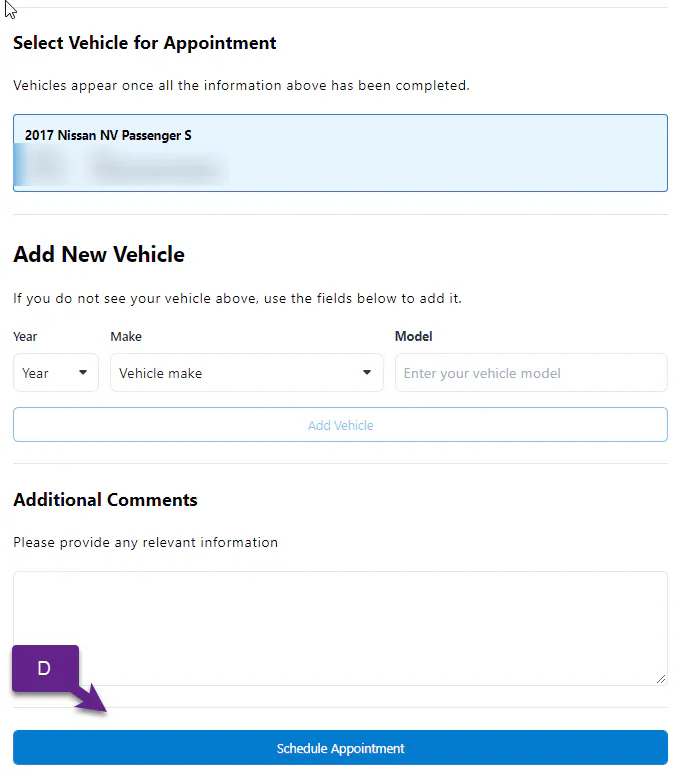
They choose their vehicle or add a new one. Returning customers see the vehicles linked to their phone number.
-
They select Schedule Appointment.
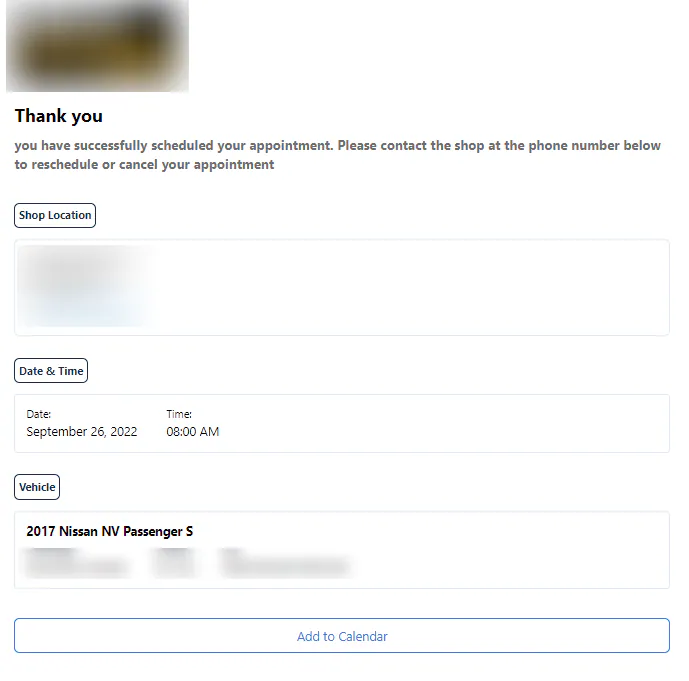
A confirmation page shows the shop location, date, time and vehicle, and tells the customer to call the shop to reschedule or cancel.
What happens in Nexsyis
Section titled “What happens in Nexsyis”Nexsyis creates a folder and adds the appointment to your Scheduling screen.
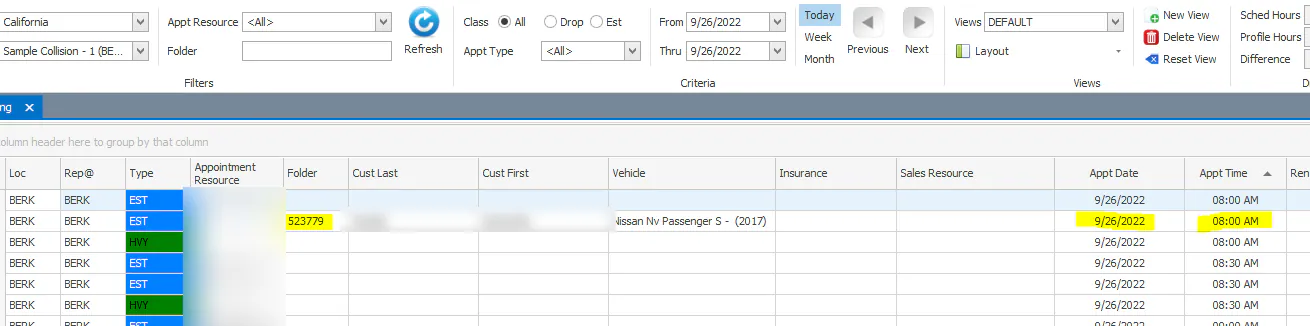
Your shop is notified in two ways:
-
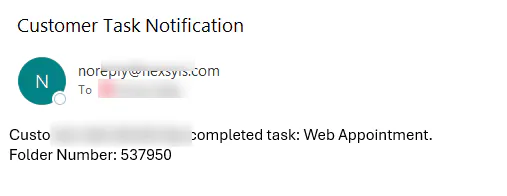
The Message Center receives the message “Customer has completed task: Web Appointment.”

-
An email can be sent to the addresses set up on the Location Setup screen.