Create folders from Tractable estimates
The Tractable integration creates a folder in Nexsyis from the information a customer submits for a Tractable AI estimate, so you don’t have to enter it by hand.
How it works
Section titled “How it works”- Your team sends the customer a Tractable AI estimate link by email or text, or the customer selects a link on your website.
- The customer submits the required information and photos on their mobile device.
- Tractable sends the customer details, vehicle information, photos and a copy of the estimate to Nexsyis.
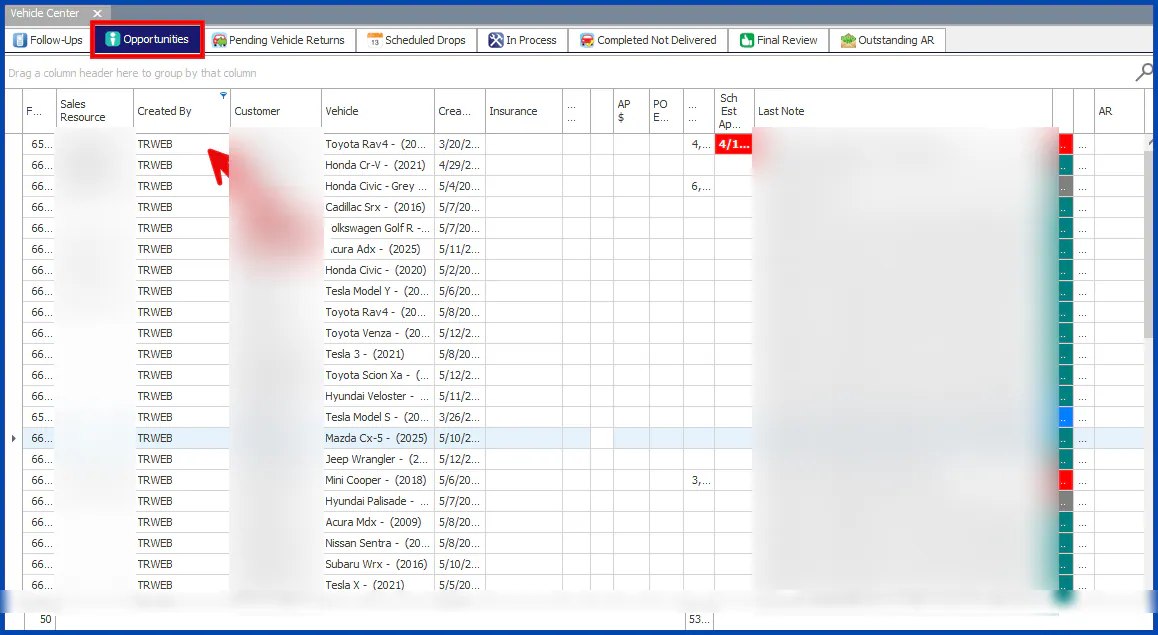
- Nexsyis creates a folder, which appears on the Opportunities tab of the Vehicle Center.
Find folders created by Tractable
Section titled “Find folders created by Tractable”Folders created by Tractable show TRWEB in the Created By column. If you don’t see this column on the Opportunities tab, add it to your view.
For how to work this list, see Work the Opportunities tab.
View the Tractable estimate
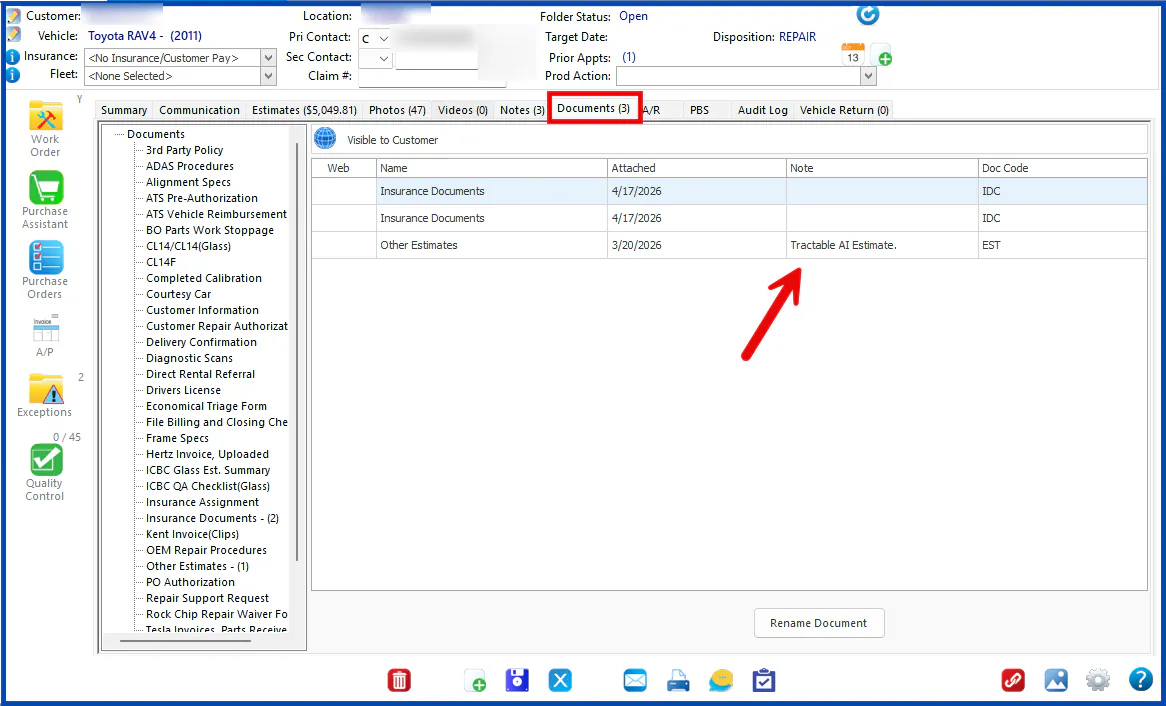
Section titled “View the Tractable estimate”A copy of the Tractable AI estimate is saved on the folder’s Documents tab, in the Other Estimates category. Double-click the document to open it.
View the customer’s photos
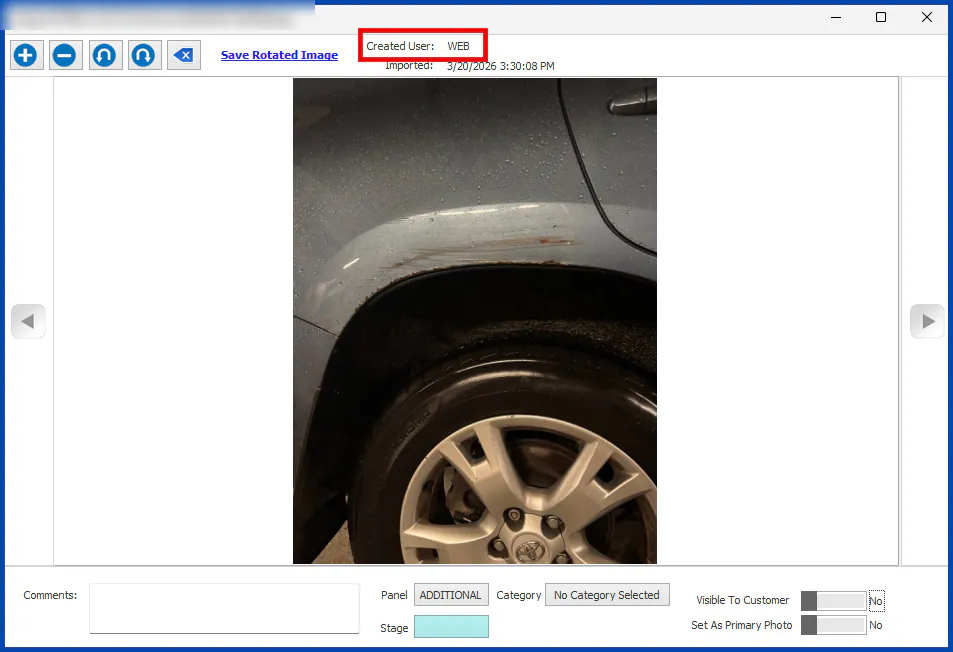
Section titled “View the customer’s photos”Photos the customer submitted are added to the folder’s Photos tab. Each one shows WEB as the Created User at the top of the photo.