Send a balance to a collection company
When you send an unpaid balance to a collection company, mark the folder so everyone knows it’s in collections and you can filter it on the Outstanding AR tab.
Set up collection companies
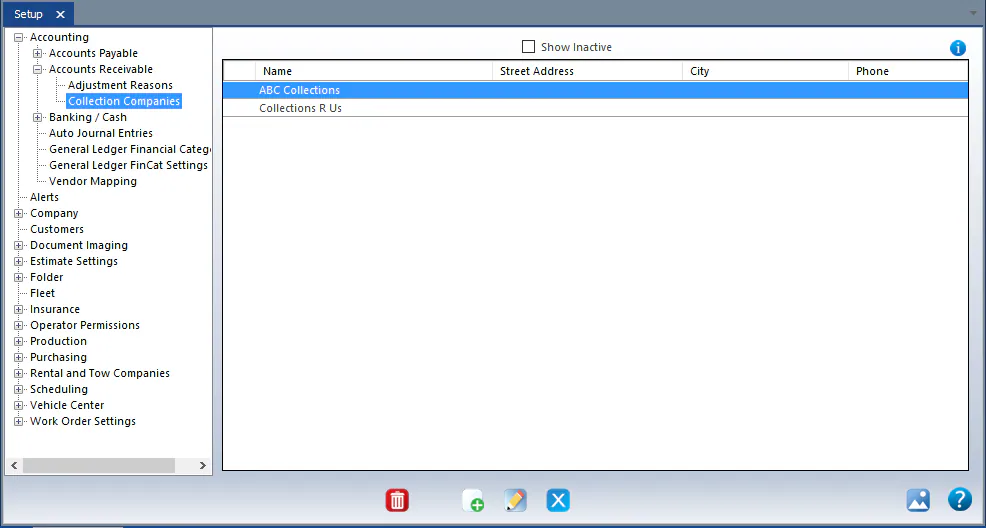
Section titled “Set up collection companies”Go to Setup › Accounting › Accounts Receivable › Collection Companies and add each collection company you use.
Mark a folder as in collections
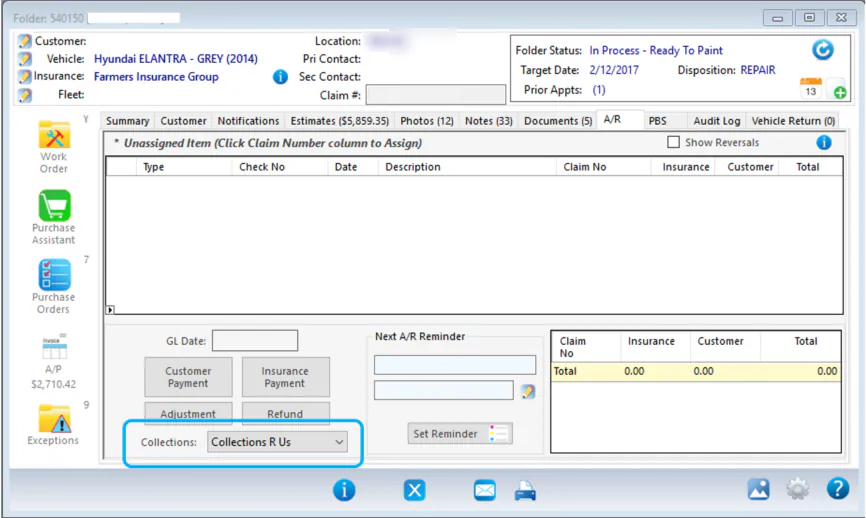
Section titled “Mark a folder as in collections”On the folder’s A/R tab, choose the company in Collections.
See folders in collections
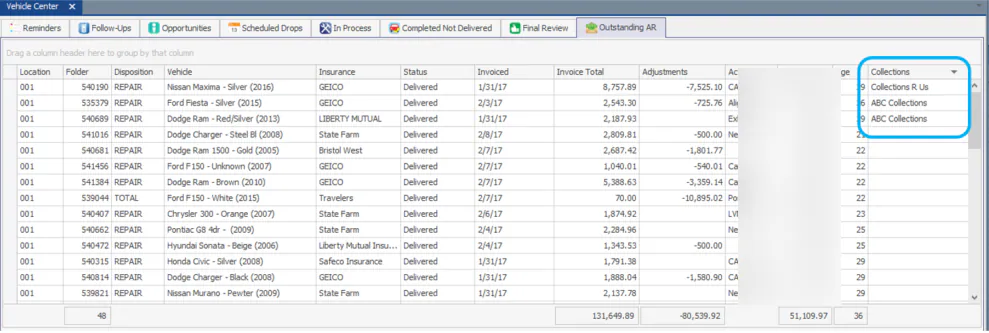
Section titled “See folders in collections”On the Vehicle Center Outstanding AR tab, show the Collections column to see the collection company for each folder. Filter the column to take folders in collections out of your list, if you want.