
Add videos to a folder
Add videos of the vehicle to a folder and sort them into video categories. Upload them from your computer in Nexsyis, or record them with your phone in NexsyisNow or the Nexsyis mobile app.
Before you begin
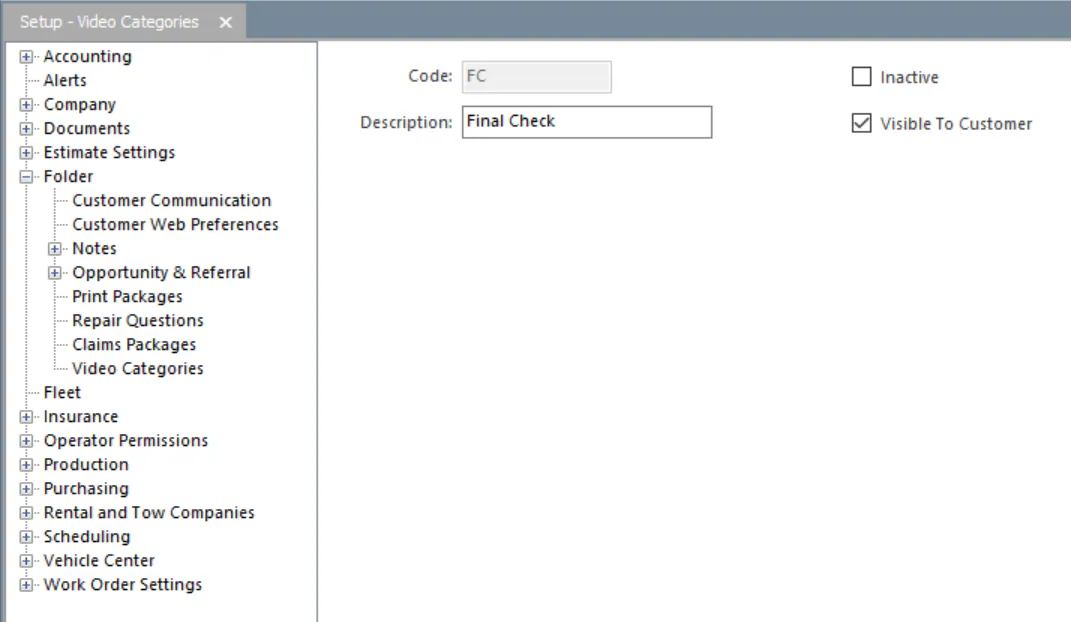
Section titled “Before you begin”Videos are filed under video categories. Set the categories up in Setup › Folder › Video Categories.
Add a video
Section titled “Add a video”-
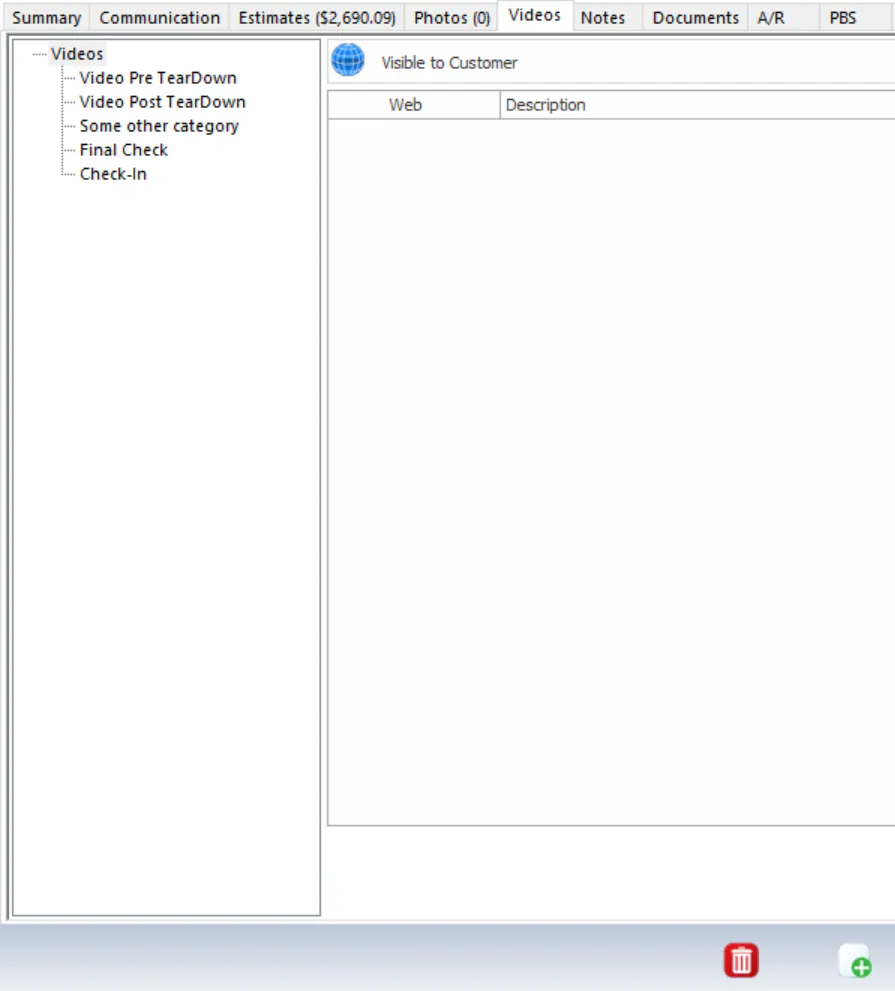
On the folder’s Videos tab, select a video category on the left.
-
Select the new button (green +) on the button bar.
-
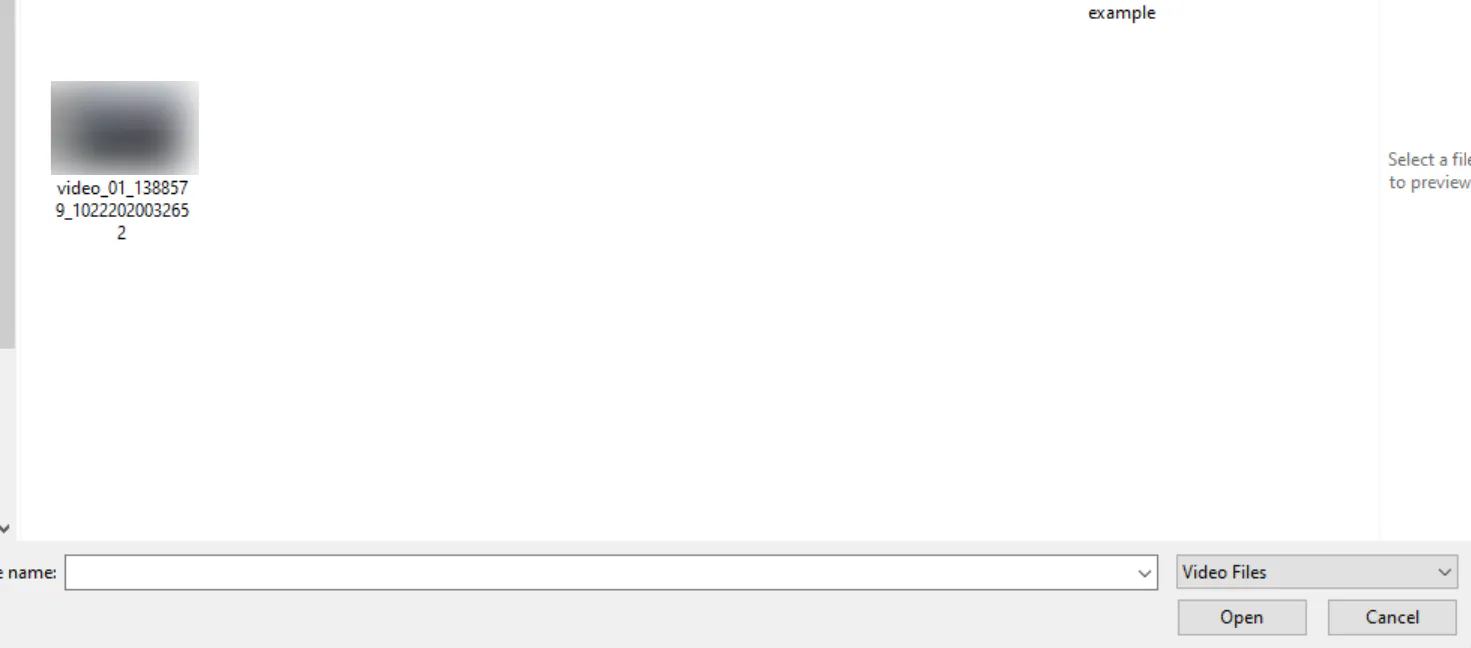
Browse to the video file, select it, then select Open.
-
When the upload finishes, a message says processing has started. Select OK.
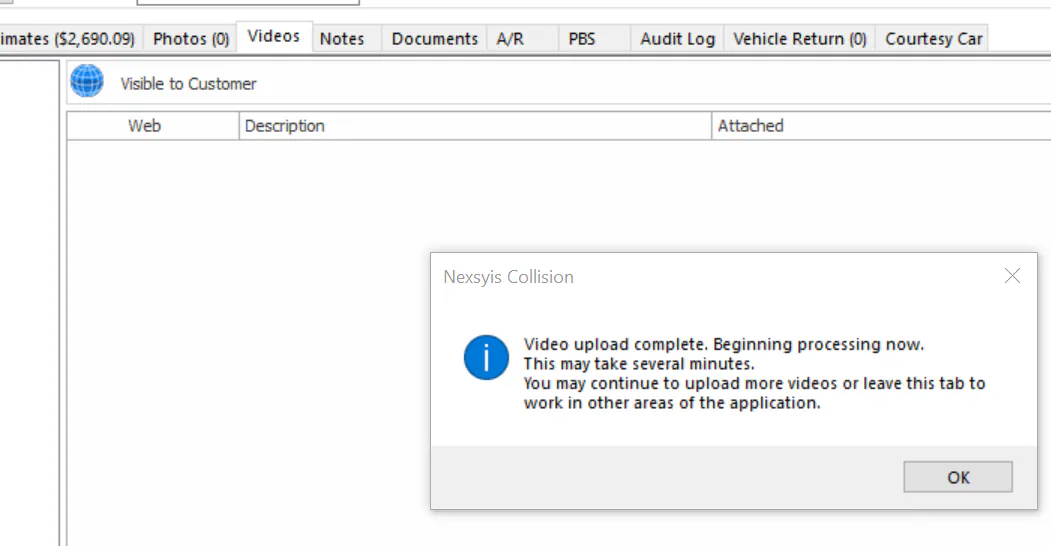
Processing can take several minutes. You can’t open the video until it’s done, but you can keep uploading videos or work elsewhere in Nexsyis.
Play a video
Section titled “Play a video”Double-click the video on the Videos tab. It opens in a new window in your computer’s default media player.

Before you begin
Section titled “Before you begin”You need the Photos - Add screen permission.
Add a video
Section titled “Add a video”-
In the folder, select Manage Video.
-
Select Capture Video to record a video, or From Library to upload one from your phone.
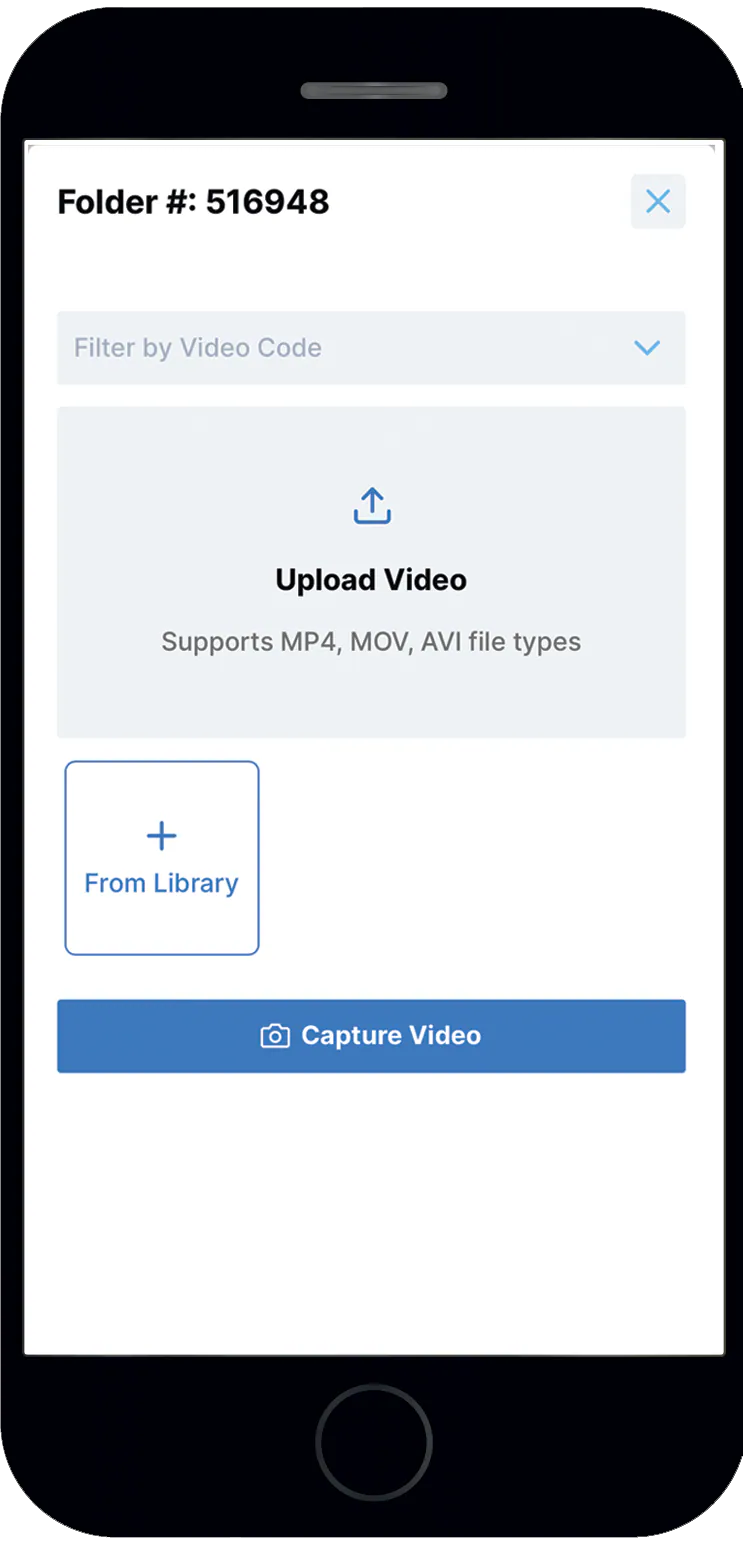
-
Select the video code.
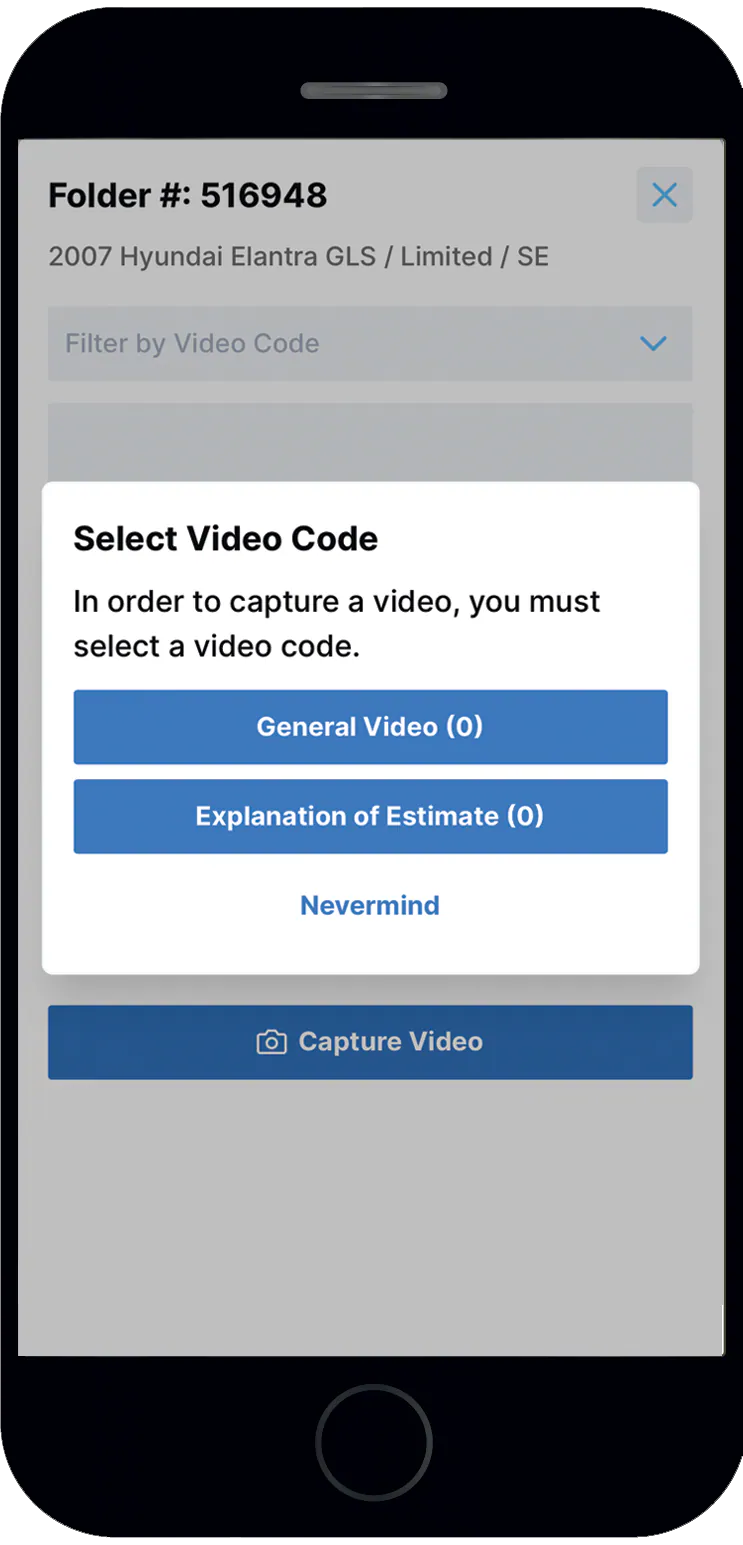
-
If you’re asked, allow access to the microphone and camera.
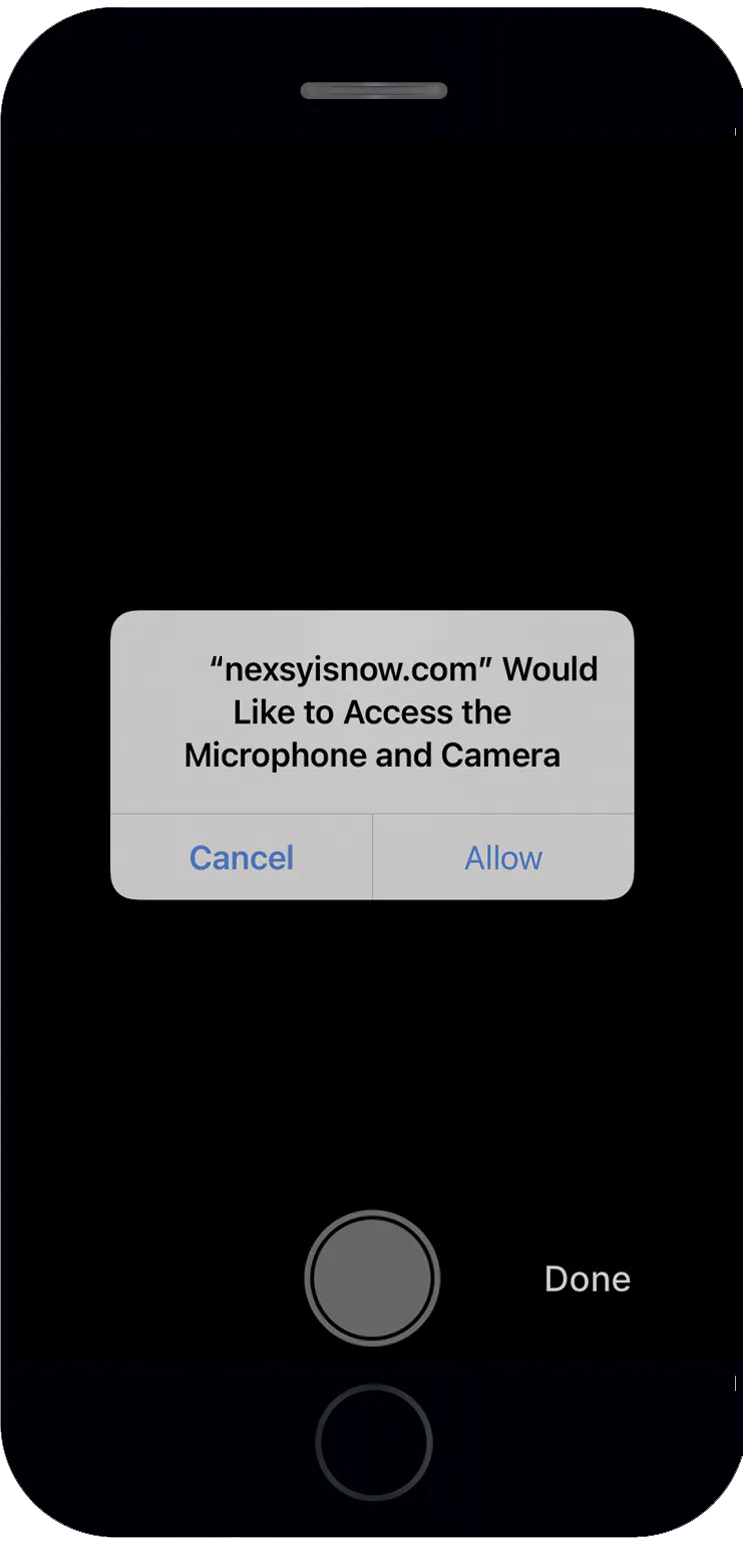
-
Select the green circle to start recording. When you’re finished, select the red circle to stop, then select Done.
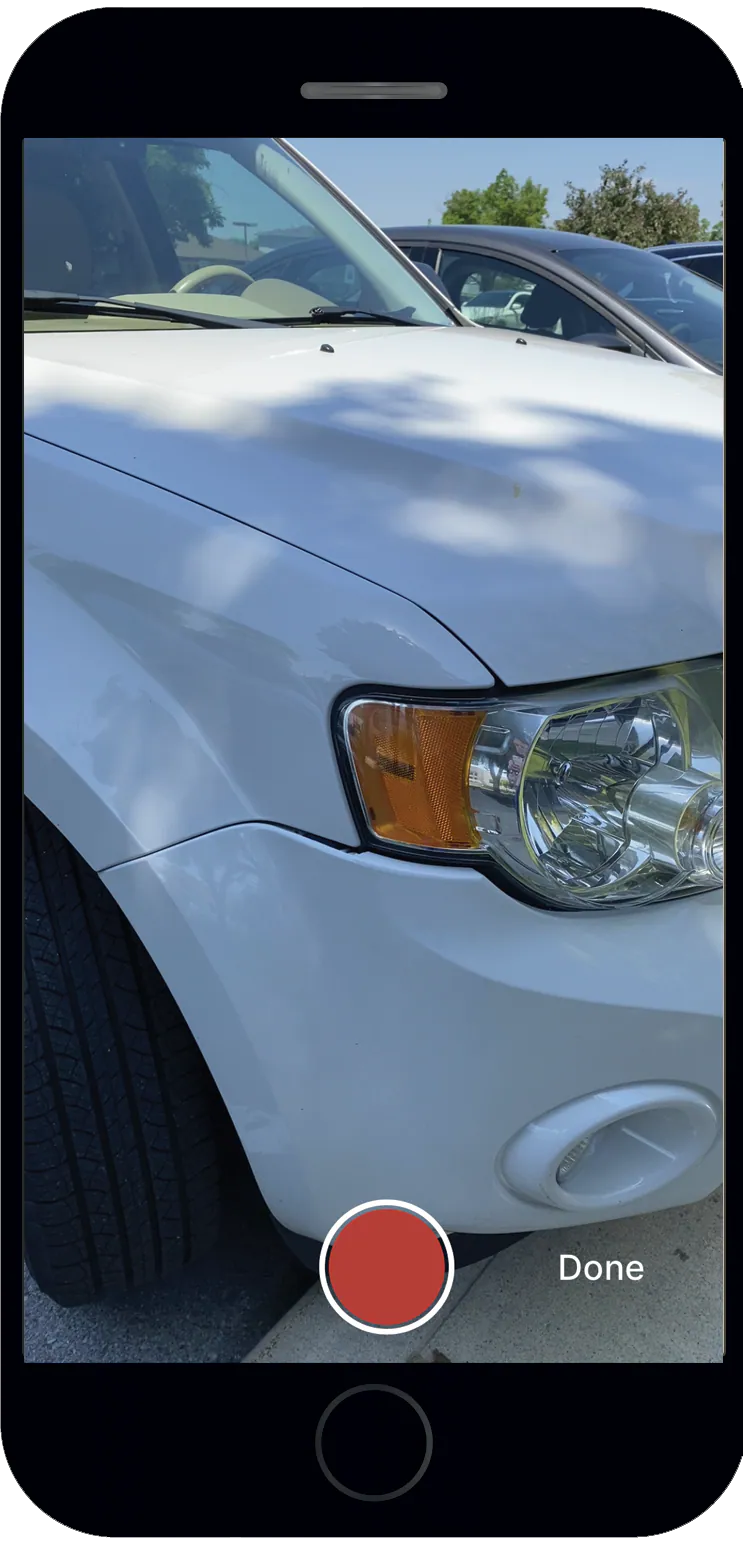
-
A progress bar shows the video uploading.
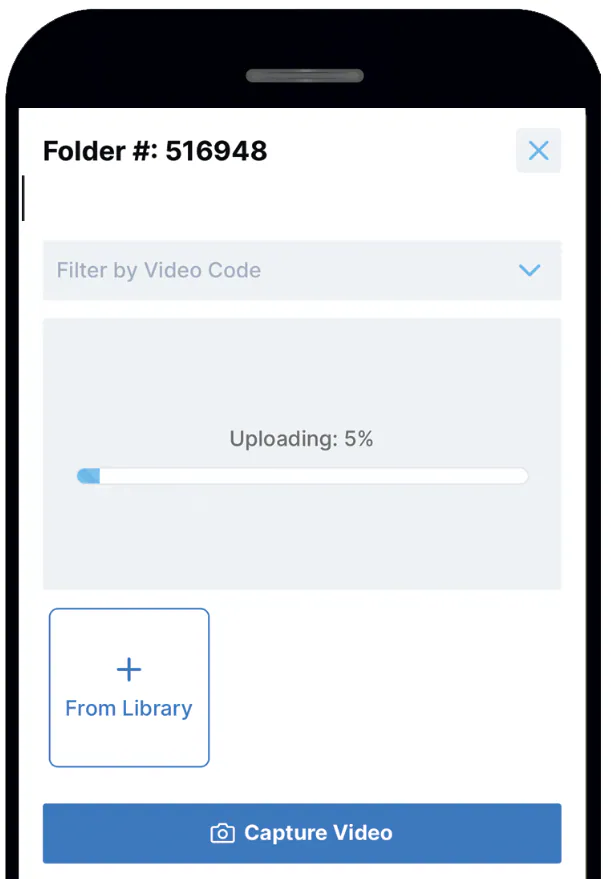
When the upload finishes, the video is processed. You can upload more videos or close the screen. Processing can take several minutes. Until it’s done, you can watch the video, but you can’t change its category or Visible to Customer setting.
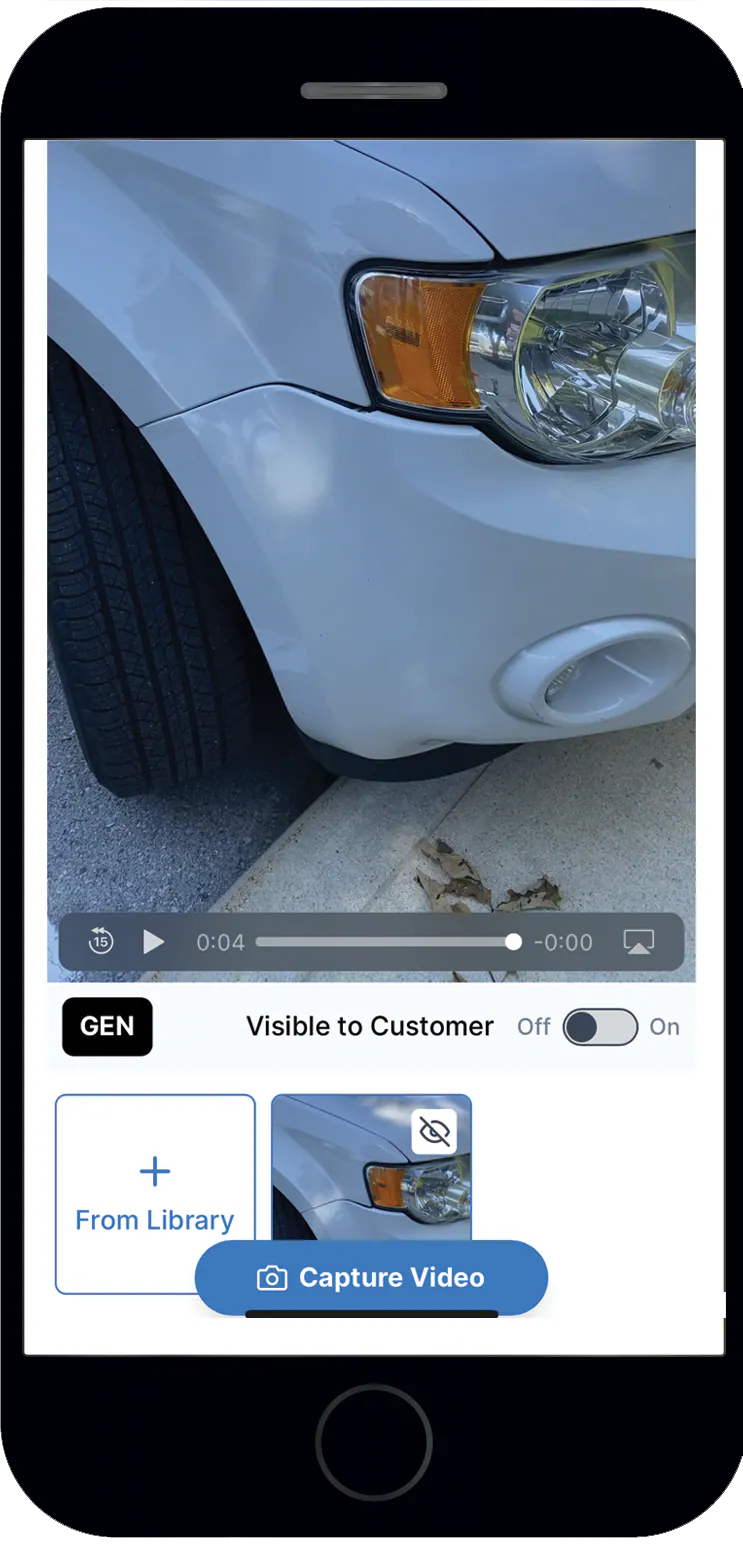
An uploaded video shows with its video code and the Visible to Customer toggle.
Add videos in the Nexsyis mobile app
Section titled “Add videos in the Nexsyis mobile app”Videos work the same way as photos in the mobile app.
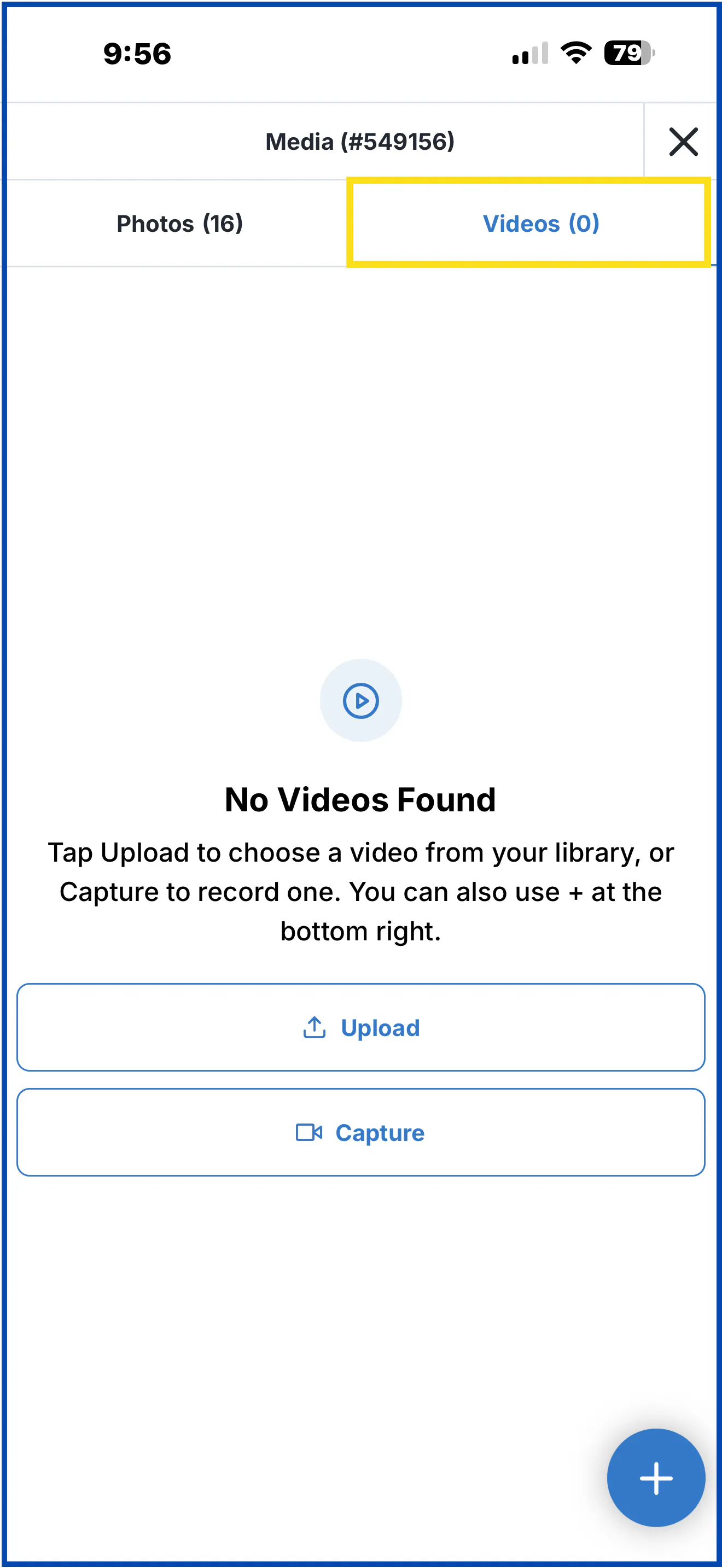
- Open the folder and select Media.
- Select the Videos tab.
- Select Upload to choose a video from your phone, or Capture to record one.
To find videos on the folder, use the same filters as photos. See Add photos to a folder.